Kernel for Access
 (4.9/5) 546 Reviews
Access Repair Software to Fix Corrupted Database Files
1M+
Downloads
Repair severely corrupted Microsoft Access database (MDB and ACCDB) files with ease. The Access repair tool helps in auto-detection of corruption issues along with full preview before saving. Retrieve all the MDB / ACCDB components, including tables, reports & queries, forms, and indexes into a healthy state.
Download trial version and preview recovered Access files free.- Permits hassle-free MDB / ACCDB Access database repair in no time.
- Allows to repair password-protected Access database files with ease.
- Offers two modes (Standard and Template) to fix all Access file issues.
- Provides complete retrieval of all components of the Access database.
- Retrieve multilingual records (non-English data) effectively.
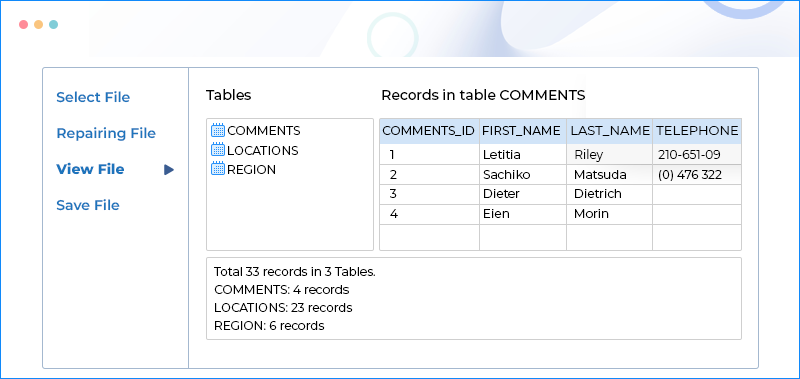
- Helps to preview Access database file in the original table hierarchy.
- Bring deleted records and all objects back to a new database.
- Restore Macros, Modules & Relational Databases without effort.
- Get OLE / MEMO data back from the corrupt Access Database.
- Free trial version to repair data of your corrupt MDB file.
What's New in Kernel for Access
190+ COUNTRIES WORLDWIDE
20 YEARS' EXPERIENCE
24x7 CUSTOMER SUPPORT



 Tables & Modules
 Tables Relationships
 Queries & Indexess
 Forms, Reports and Macros
 Encrypted Databases
 Links to External Tables





 Installation Guide
 (4.9/5) 546 Reviews