Step 1: Download and install the Kernel for Access Repair software on your system.
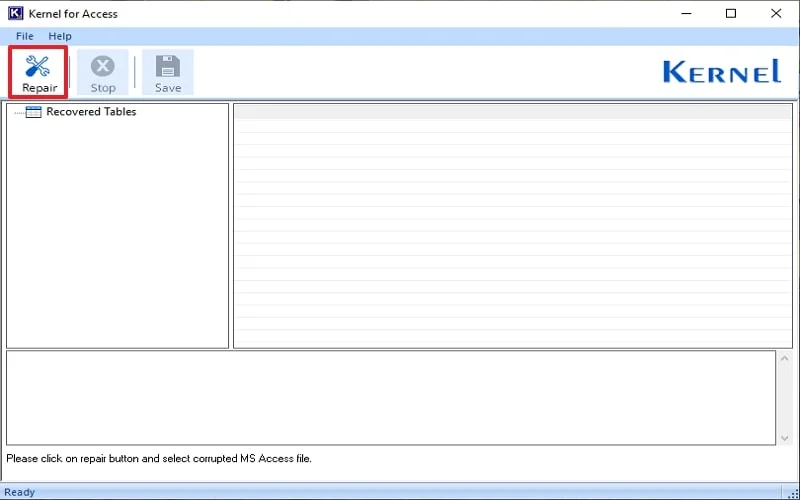
Step 2: Once installed, launch it and tap on the Repair button.
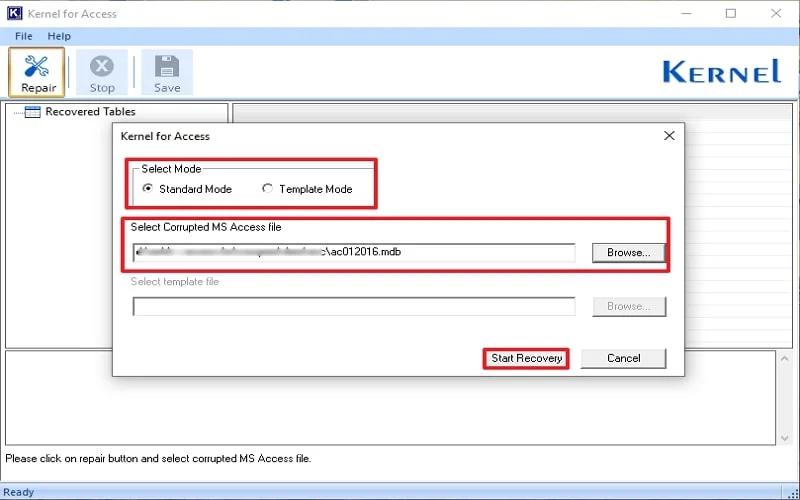
Step 3: Select the Mode [Standard or Template] accordingly. Click Browse and add your corrupted MDB / ACCDB file. Then, click on Start Recovery.
Step 4: The scanning and repair process will start. Once completed, a clean and hierarchical preview of MS Access file data, like tables, queries, etc., will be generated.

Step 5: Now click on the Save button to retain the repaired MDB / ACCDB file data in the local storage.

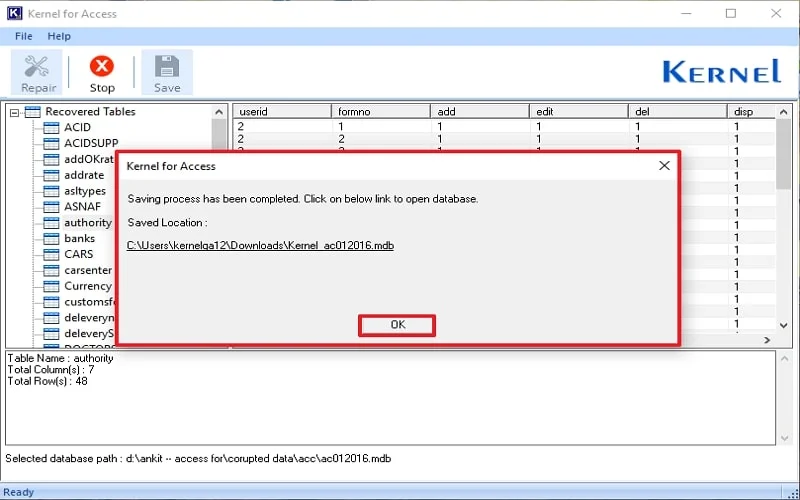
Step 6: Once the file gets saved in the system, the Access database repair tool will provide the file location path.