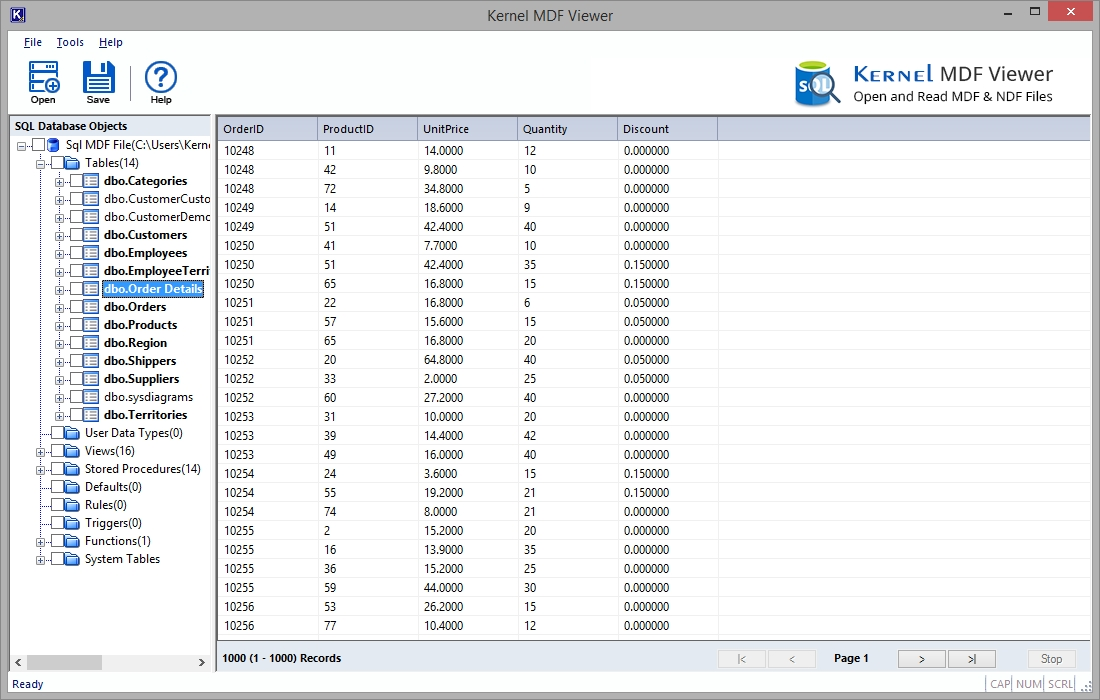
Here are the steps to view corrupt, damaged, and orphaned MDF files without requiring SQL Server:
Step 1: Download and open the Kernel MDF Viewer tool.
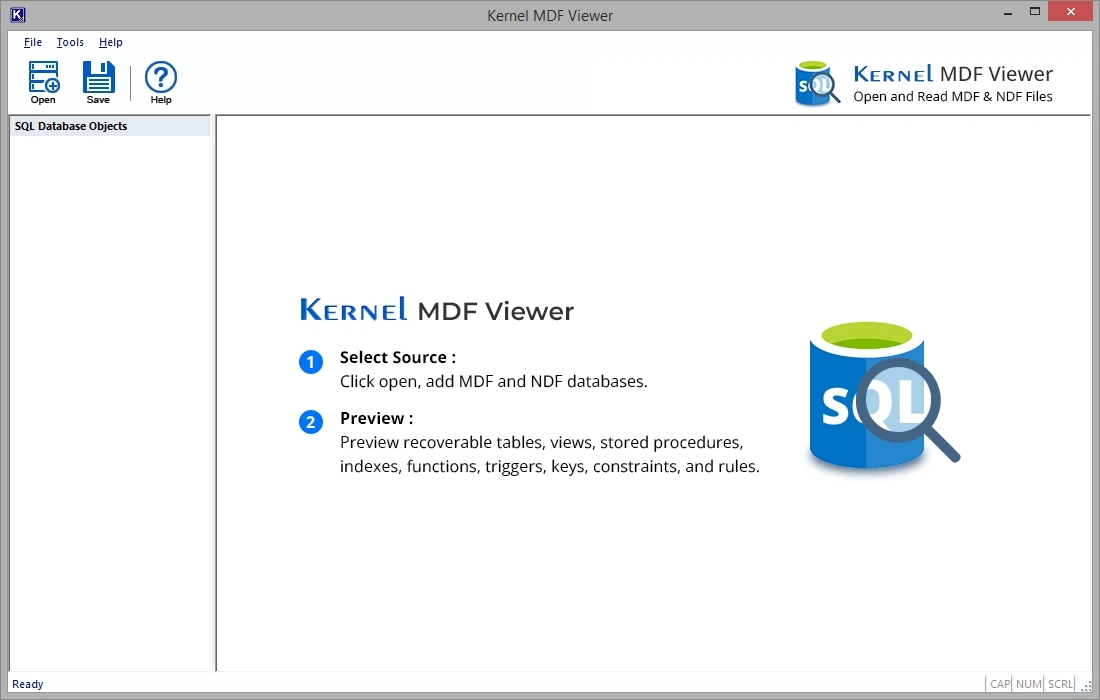
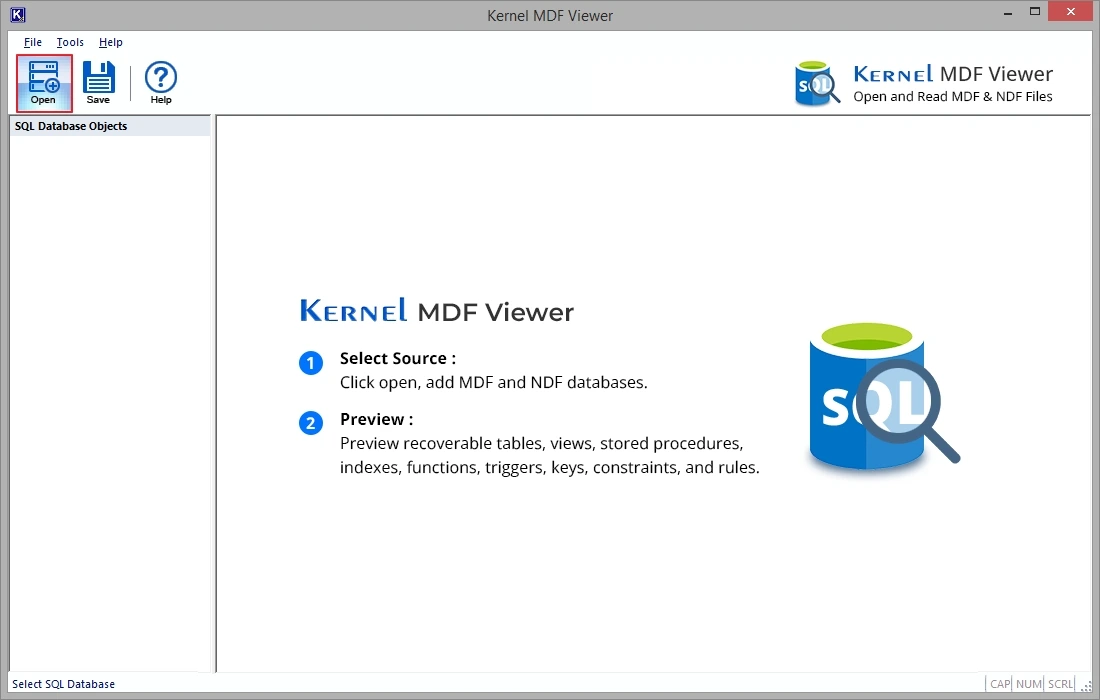
Step 2: Click on the Open button at the top-left corner to proceed..
Step 3: Click on the Browse button to upload the MDF file.
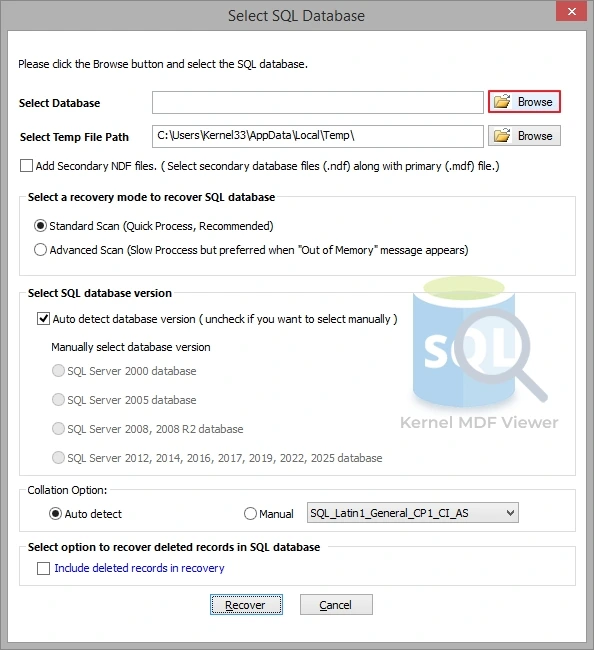
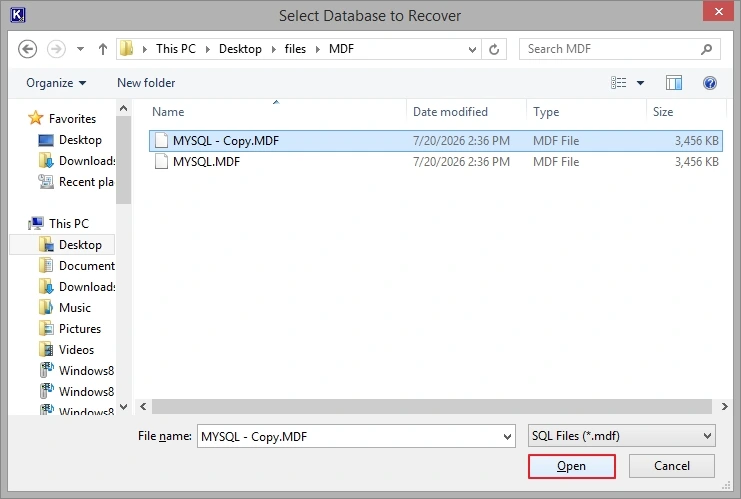
Step 4: Navigate to the location where your MDF file is, select it, and click Open.
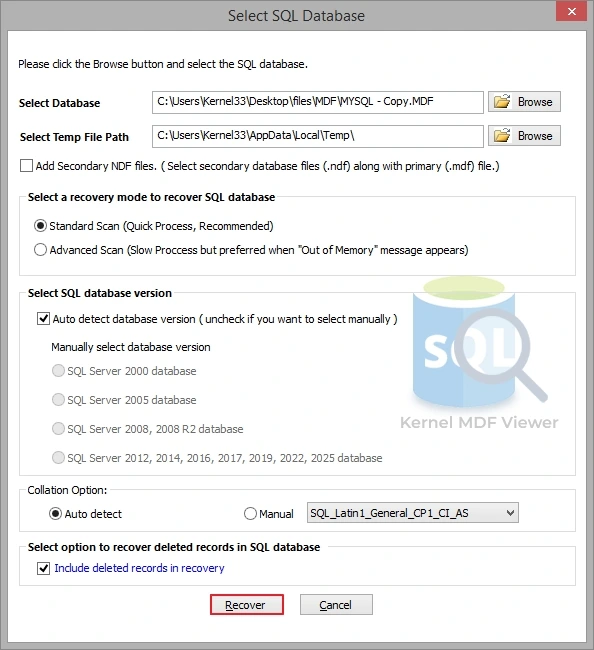
Step 5: Select a recovery mode to recover the SQL database, SQL database version, collation option, and select Include deleted records in recovery (if needed), then click Recover.
Step 6: Your selected MDF file will be added shortly. Click to preview content and objects within the MDF file.