Read time: 8 minutes
Quick Overview: Since Microsoft terminated Windows Live Mail support, users are searching for alternatives to Windows Live Mail to keep their workflow going. Choosing the right email client to replace Windows Live Mail depends on what you intend to use it for. For mailbox data management and smooth integration with Microsoft’s services, opt for Outlook. If you are looking for a free email client with strong security features, choose Thunderbird.
As time goes on, you are not alone if you are looking for alternatives to Windows Live Mail. Microsoft stopped official support for its Windows Essentials 2012 Suite products back in January 2017. Ever since then, all significant software components under Windows Essentials Suite, including Windows Live Mail, have not received any updates or security patches. However, you can still see Windows Live Mail running because the old version is still functional, but has limited features and functionalities. Due to the lost support and outdated security features, Windows Live Mail is no longer in demand. So, many users are looking for a more reliable platform with the most recent security updates.
Since the last update, Live Mail has been on a steady road of deprecation, with a lack of direct support from email servers like Hotmail, aka Outlook.com. It has even become worse for Live Mail to keep up with the competition. Users admired Windows Live Mail because of its simplicity and ability to sync messages and mailbox data in one place. However, users are searching for new advanced alternative email clients to replace Windows Live Mail.
What are the Best Alternatives to Windows Live Mail?
We have compiled a list of some of the top Windows Live Mail alternatives that can quickly meet modern-day requirements. And also analyzed major email clients in the market on the given criteria and have created this list based on:
- How easy it is to migrate data.
- Price of the email client.
- Provisions for multi-account support.
- Compatibility with operating system.
- How easy is UI for beginners and native users.
- Number and quality of security updates and how active are the updates.
Get a sneak peek at every email client with its brief description and advanced functions.
1. Microsoft Outlook
Outlook is a proprietary email client designed and developed by Microsoft that comes bundled with the Office 365 Suite. It allows you to work with unlimited accounts and manage items like messages, contacts, calendar events, notes, etc. It also provides a comparatively secure platform to share messages and perform advanced operations.
Deploying Outlook requires the purchase of the licensed version and a Microsoft account to access the services. It is supported by platforms like Windows, Mac, and Android.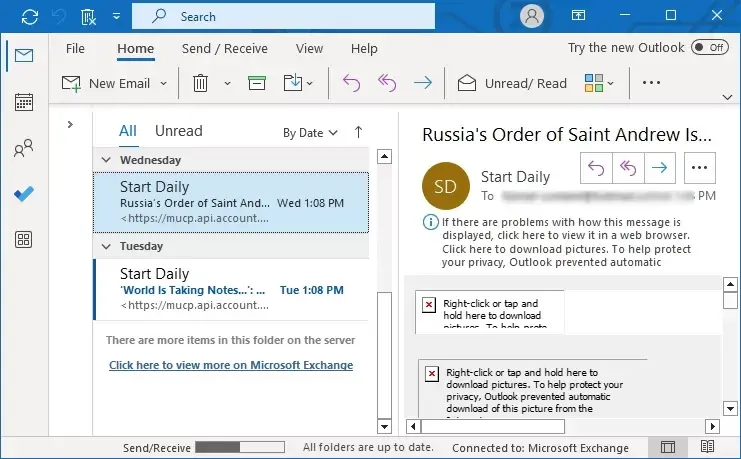
Advantages of using Outlook
- Manage emails, contacts, and tasks alongside a powerful calendar that supports shared schedules and meeting management.
- Offers “Focused Inbox” to reduce clutter, customizable rules for email management, and quick search functionality.
- Directly integrates with Microsoft 365 services, allowing users to save attachments to OneDrive or start Teams meetings.
- Users can access their mailbox across desktop (PC/Mac), web, and mobile devices.
- Business users typically receive 50 GB of mailbox storage and 1 TB of OneDrive cloud storage.
2. Thunderbird
Thunderbird is designed and maintained by the Mozilla Corporation. It is an open-source desktop-based email client application with support of a wide range of extensions, newsfeeds, and chat features.
You can download and install Thunderbird on your machine without paying a single penny. Moreover, it supports major operating systems like Windows, Mac, Linux, etc.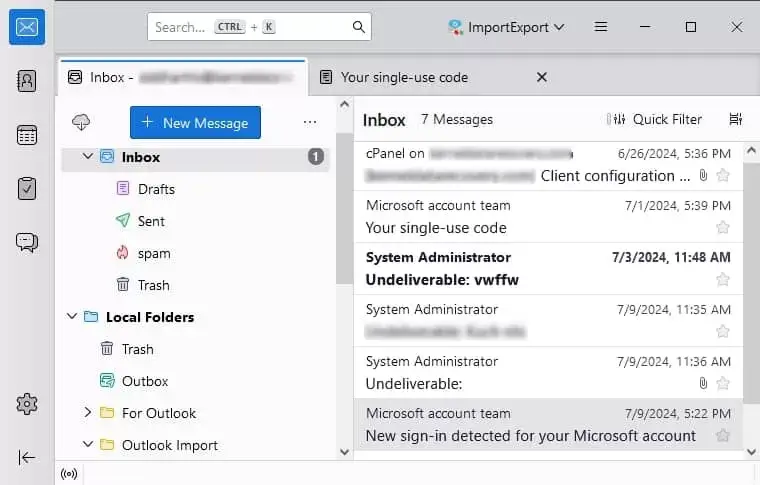
Advantages of using Thunderbird email client:
- Easily handles multiple email accounts (IMAP/POP) and large storage volumes in a single, unified inbox.
- Includes built-in spam filters, phishing protection, and PGP encryption support to secure confidential data.
- A vast library of add-ons, themes, and extensions allow users to customize functionality and interface to their needs.
- Messages are stored locally, allowing for viewing, composing, and searching even without an internet connection.
- Offers advanced message filtering, fast search tools, tabbed email navigation, and integrated calendar functionality (Lightning).
3. Postbox
Postbox is much like the Thunderbird email client, except you must purchase the full software version for a lifetime. The interface resembles the Apple Mail client more; its functionalities are almost the same as Thunderbird.
Postbox allows users to organize emails, contacts, and other crucial data however desired. Also, it has an interactive GUI and a simplified structure, which makes the tool even more remarkable.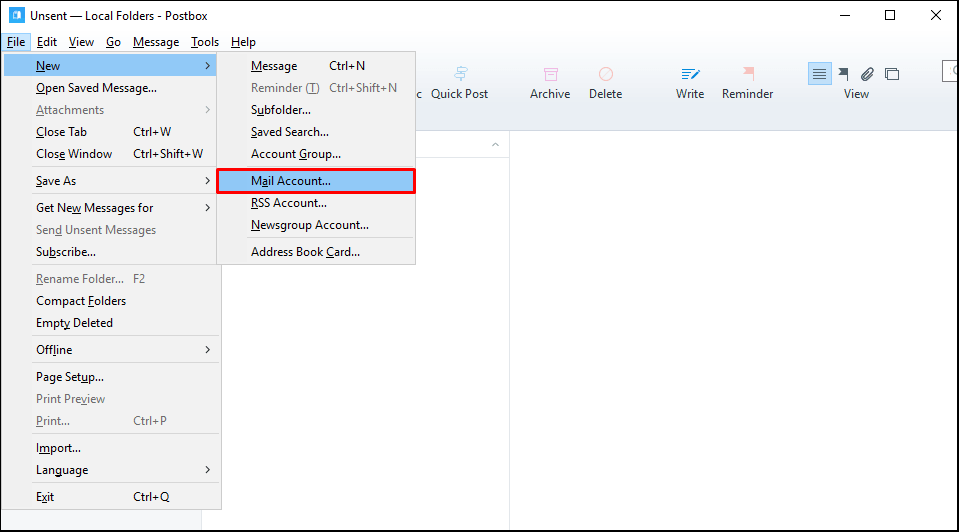
Some crucial advantages of Postbox email client:
- Offers fast email management using quick search views and keyboard shortcuts.
- Features include “canned responses,” pre-designed content blocks, and signatures to speed up email composition.
- Allows managing multiple email accounts in one customizable, clean interface.
- Easily integrates with cloud services like Dropbox and OneDrive to send large files.
4. Mailbird
Mailbird is a Windows-based email client with two versions: Mailbox Lite with limited functionalities and Mailbird Pro with advanced features. You can download the lite version free of cost, whereas the pro-version comes at a price. Unlike other email clients, Mailbird supports a much more comprehensive set of integrations with third-party clients, which makes data transfer even more convenient.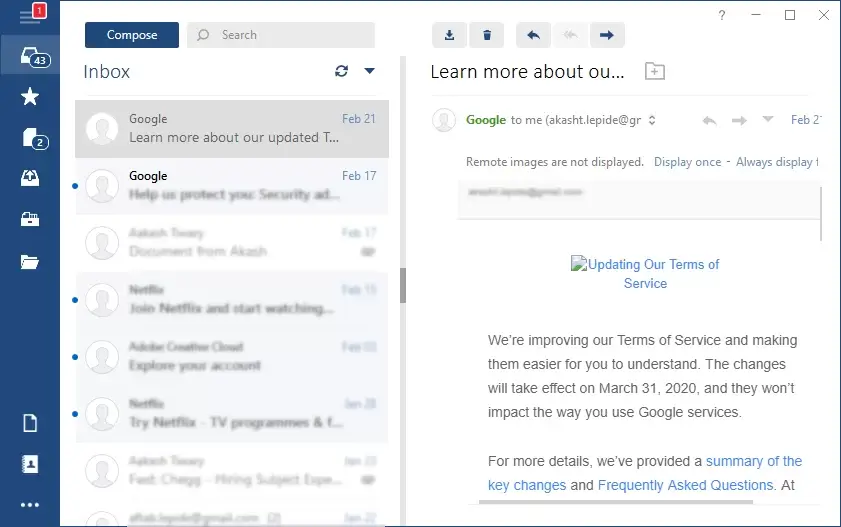
Some robust features of Mailbird email client:
- Allows the addition of an unlimited number of accounts with significant email protocols (IMAP, POP3, and Exchange).
- Manage all contacts in one place and sync contacts with Gmail and Outlook accounts directly.
- Enhanced privacy and security with an email tracking feature.
- Seamlessly connect with social media and productivity tools like Facebook, LinkedIn, Trello, Dropbox, and WhatsApp directly within the interface.
5. eM Client
Like the Mailbird email client, the eM client also has a free and paid version. The free version allows limited access, such as the number of email profiles one can add, which is confined to two only. In comparison, the paid version provides unrestricted access to all features and functionalities. Also, you can use the paid version for commercial purposes.
The main factor behind the popularity of eM client is that when you first launch the application, it will give you a list of import options to import data from your previous platform. The client also supports primary messaging services like Google, Facebook and Jabber. The interface is simple and makes email management even more convenient.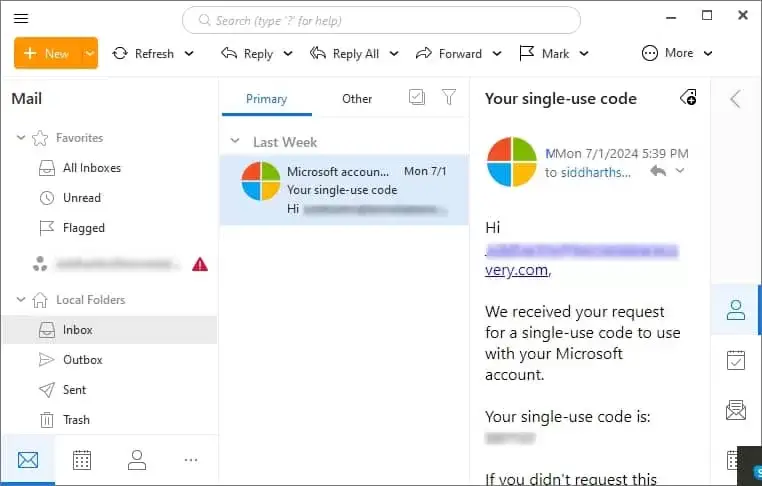
Some other advantages of eM client:
- It consolidates email, calendars, contacts, tasks, and notes into one app, reducing the need for multiple, fragmented tools.
- Integrate seamlessly with Google services such as Gmail, Google Calendar, and Google Contacts, and sync multiple email accounts.
- Offers fast, full-text search across all emails and attachments. It supports rules, tags, and folders to maintain a “clean” inbox.
Which is the Best Alternative to Windows Live Mail?
Well, that depends entirely on your requirements. We’ve given the top 3 email clients that suit almost all requirements users have when finding an alternative to Windows Live Mail:
- Best Email Client Overall: Microsoft Outlook is overall the best email client if you are already a Microsoft 365 user and want an email client with best email management system. But you can also try EML to PST Converter to easily shift your Windows Live Mail emails directly to PST(Outlook-compatible) format.
- Best Free Option: Mozilla Thunderbird is the best alternative to Windows Live Mail if you’re looking for a free email client with strong security features.
- Best for Managing Multiple Accounts: Mailbird is a good option for users who want to opt for an email client that allows them to switch between personal and business accounts easily.
Wrapping Up
Microsoft stopped official support for Windows Live Mail years ago, and that’s why it has become important to have a perfect alternative to it. The above-discussed alternatives to Windows Live Mail, like Microsoft Outlook, Mailbird, Thunderbird, etc., meet modern-day requirements, and you can choose the one that best suits your business’ requirements and is cost-effective too.
Frequently Asked Questions
A. Yes, there are considerable risks with continuous usage of Windows Live Mail since it’s been years it was discontinued. Even though it’s still working, using an email client that stopped receiving security patches and bug fixes can expose your data to security threats.
A. No, you will not. You can easily export contacts from Windows Live Mail without losing them if you import them in CSV or VCF format.
A. Choose Microsoft Outlook if you’re an existing Microsoft 365 user or need enterprise-level of email management. You can also opt for Mozilla Thunderbird if you want a free email client with good security features.
A. If you shift to an email client that supports importing EML files directly, then there’s no need to use a converter. However, if you plan on shifting your EML files to Microsoft Outlook, then you will have to take the help of EML File Converter to move your data safely to Outlook.