Read time: 6 minutes
Most cloud users are familiar with OneDrive, the cloud storage service from Microsoft. It is present in the latest Windows-based computers by default. OneDrive of Business is the professional version of the same facility that is available to businesses through the Microsoft 365 subscription. In this article, we will run a check for OneDrive vs OneDrive for Business comparison and how do they different from each other.
What is OneDrive and OneDrive for Business (ODFB)?
OneDrive – OneDrive is a free storage space for storing a computer’s offline files in cloud space. It is accessible through any web browser. Users can store documents, spreadsheets, presentations, audio, video, and other types of data. Users can also share the data with their colleagues and collaborate on it. This facility is flexible enough to allow the user to handle the data easily.
OneDrive for Business – OneDrive for Business is for businesses and provides more space in the cloud. It is intended for professional usage, and the business administrator is accountable for managing its use as per the organization’s guidelines. The administrator can assign it to users and allow the team members to collaborate on it.
Difference between OneDrive and OneDrive for Business
There is a comparison chart showing the difference between the two platforms. You can check a difference between OneDrive and OneDrive for Business based on common features.
| Features | OneDrive | OneDrive for Business |
|---|---|---|
| Storage Available | 5 GB | 1 TB per user |
| Desktop Syncing with Windows | Yes | Yes |
| Desktop Syncing with Mac OS | Yes | Yes |
| Smartphone Access | Yes | Yes |
| Usable for personal storage like music, audio, video, or individual files | Yes | No |
| Versioning and history | Yes | Yes |
| Auditing, Reporting, and Industry Compliance | No | Yes |
| Create/Open/Edit MS Office Suite applications in a web browser | Yes | Yes |
| Multifactor authentication support | Yes | Yes |
| Co-Authoring with M Office documents | Yes | Yes |
| SSO/ADFS/Directory sync support | No | Yes |
| Save Business Library directly at SharePoint Server | No | Yes |
Advantages of OneDrive
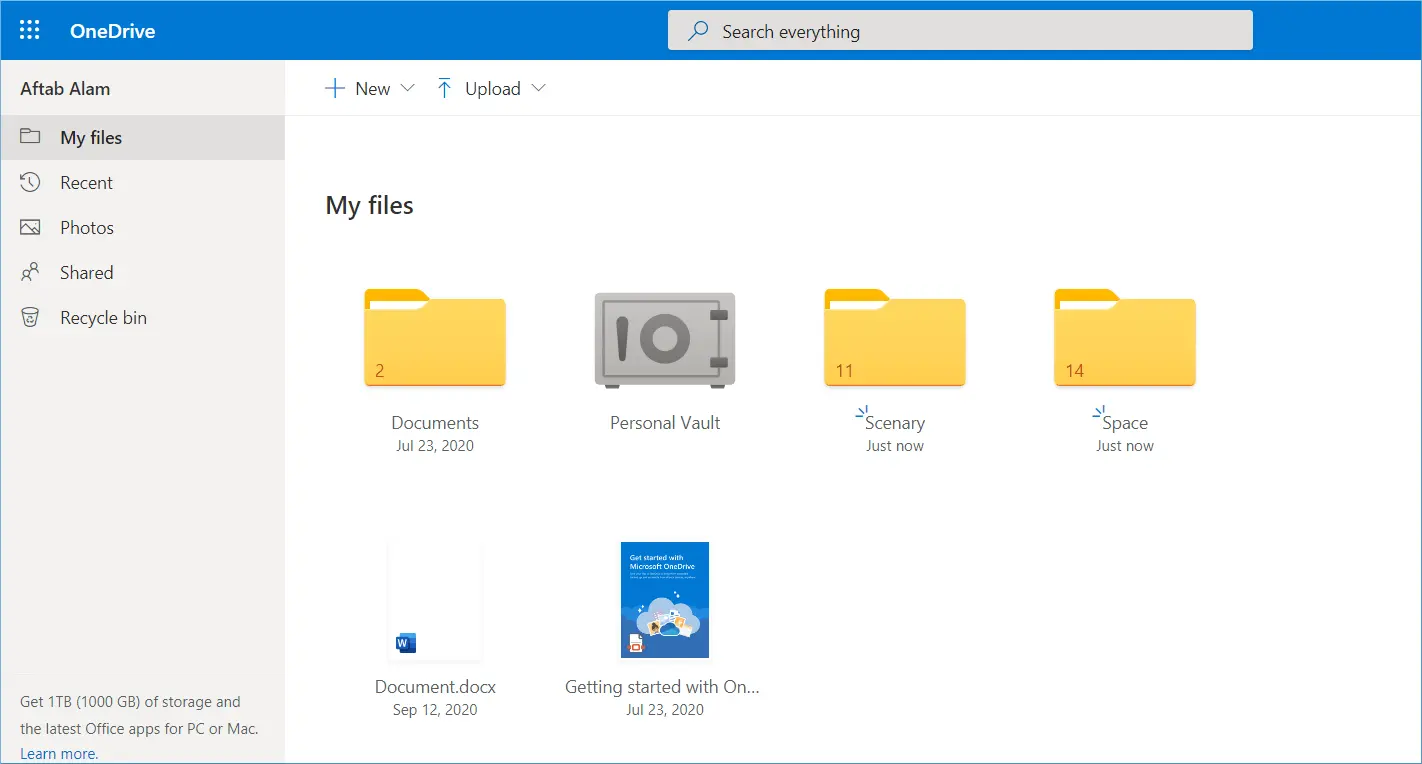
The most significant advantage of OneDrive is the free online storage space at the Microsoft cloud. The Microsoft security team secures it, and it is accountable for its security. You can access your files from Windows, macOS, and Smartphone devices. You can set the sharing, editing, and access rights at a granular level for each document you share with your friends and colleagues. OneDrive also reduces the need to attach large-sized attachments in their emails but share the documents from OneDrive in the email and collaborate on them. When you check the following features for OneDrive vs OneDrive for Business, then you can get all these features free on cost on OneDrive.
- Unlimited file saving and access.
- Retrieves files globally for data collaboration.
- Free device support for multiple platforms.
- Completely shareable content.
- Customizable experience for the user interface.
- Saves multimedia files like audio, video, application files, etc.
- Directly interacts with MS Office 365 files.
- Higher level of security through Microsoft Support team.
Advantages of OneDrive for Business
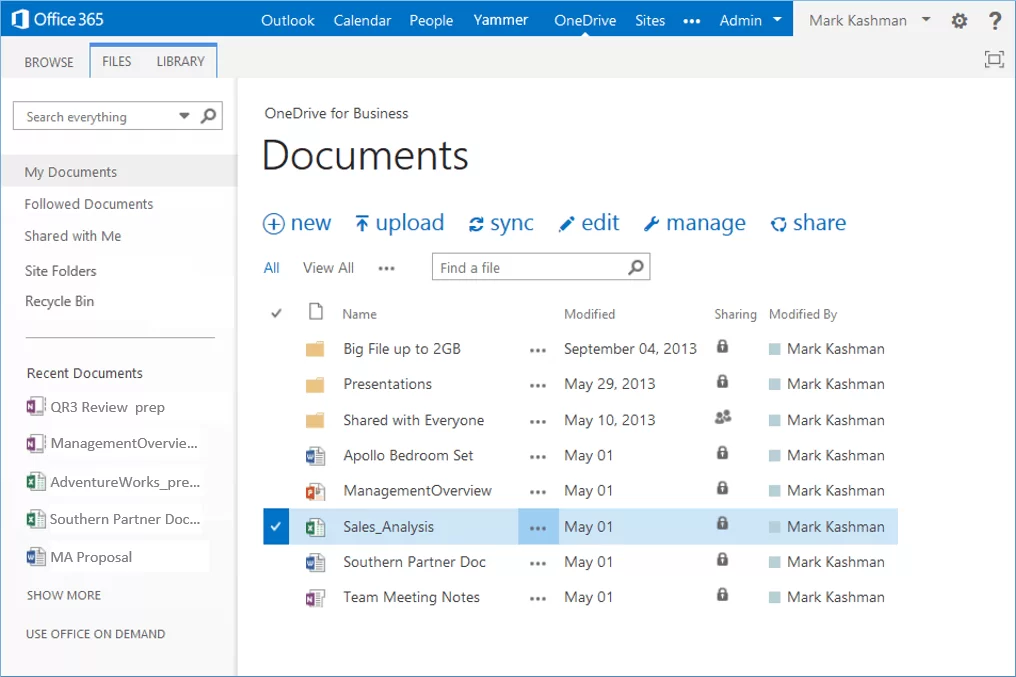
OneDrive for Business elevates the features and benefits of OneDrive to facilitate enterprise-level usage. It gives you more storage space, better security, and increased collaboration features. It has tie-ins with Microsoft 365 Business and Enterprise plans. The typical OneDrive application is suitable for completing the needs of a single user, but it lacks the option to interact with multiple users. A user can easily increase its benefits by buying a business or enterprise subscription plan and getting OneDrive for Business for multiple users. The difference between OneDrive and OneDrive for Business stops when you understand the benefits of the professional platform.
- It can interact with MS Office applications and create, edit, modify them completely. It provides the full functionality of Word, Excel, PowerPoint, etc.
- Users can set the sharing and editing permissions to each file.
- Multiple users can get access rights for a document and edit it.
- OneDrive for Business can interact with Microsoft Teams and allow the user to access documents in various teams and groups.
- OneDrive for Business can interact with Exchange-based email accounts.
- OneDrive for Business can work with SharePoint Server through the Site collection library.
How to plan OneDrive migration?
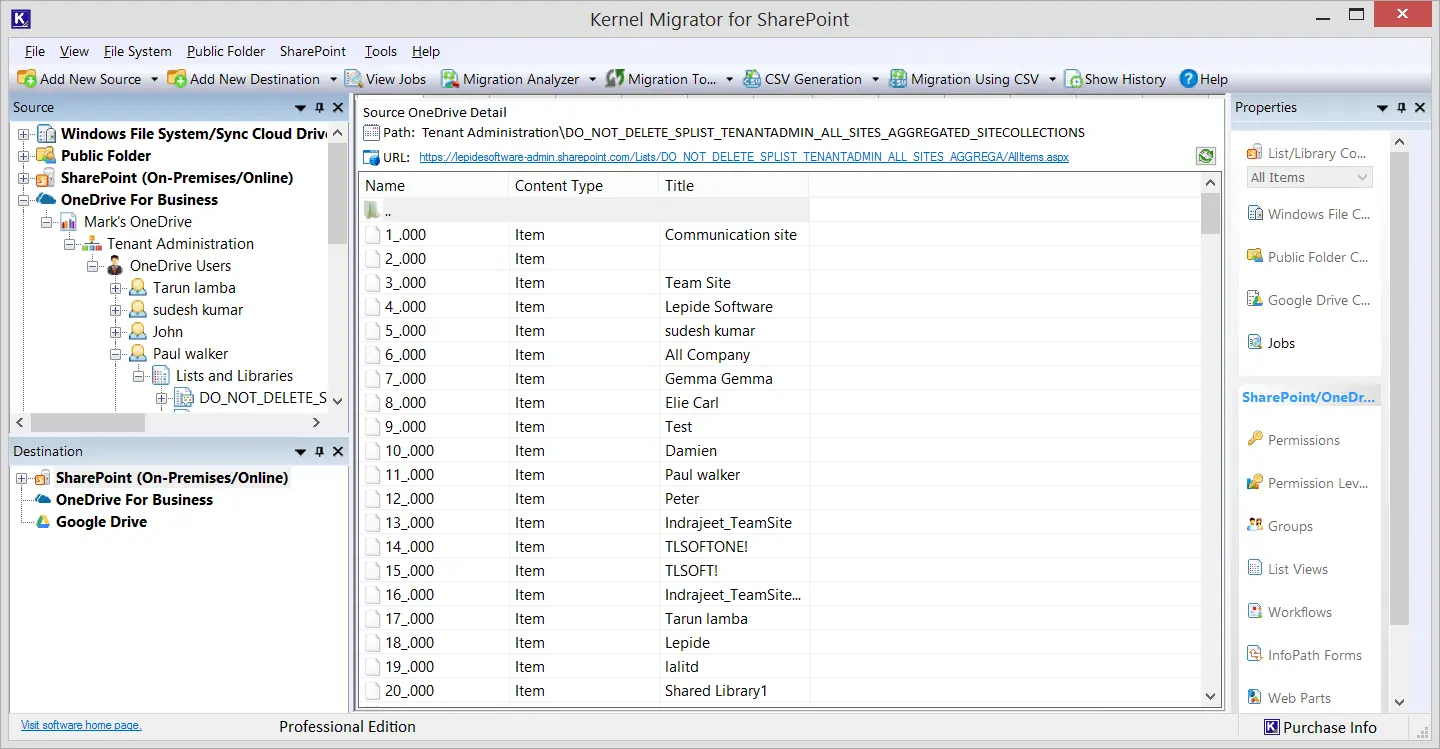
It is important to understand thar manual migration method to migrate to OneDrive will not be helpful and can cause data loss too. Therefore, we suggest you use a professional tool that is rich in features and functionalities and provides a friendly user interface. Kernel OneDrive Migration tool is one of the most suitable solutions for such migrations.
Our OneDrive Migration Tool lets you add OneDrive for a Business account as a source/destination and migrate data as per the requirements. It is integrated with various filter options to trim down the data as per needs. The OneDrive data migration software also provides a migration report after the completion of the process.
Conclusion
After reading this article, it is clear that the choice between OneDrive and OneDrive for Business might vary according to the objective you want to fulfil with it. Therefore, think wisely, considering the differences as well as pros and cons, to make your decision. However, you can use Kernel OneDrive Migration tool if you want to move or upload files to OneDrive storage. The tool has filters to allow selective transfer without compromising data integrity.
Frequently Asked Questions
A. OneDrive is basically a personal and free cloud storage that allows you to store and share files and folders securely.
However, OneDrive for Business is an advanced version designed specifically for businesses and organizations dealing with huge volumes of data. It helps in promoting collaboration and easy file sharing among team members.
A. Generally, you cannot use the same account in OneDrive and OneDrive for Business, which means there needs to two different accounts. But yes, you can own both accounts for your use.