 (4.9/5) 539 Reviews
Top Benefits of Kernel for Exchange Server
Explore the advanced benefits of the Exchange mailbox recovery software that allows you to manage your Exchange data easily.

Auto-Search EDB Files
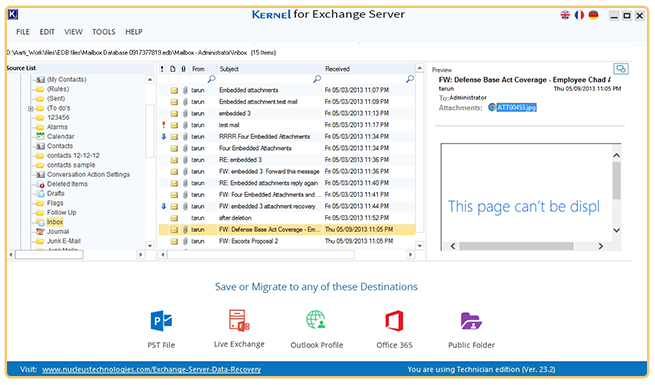
Search EDB files from any hard disk directory using our Exchange data recovery tool. Easily find and add multiple EDB files in the tool for bulk EDB recovery with all files & folders intact.

Migrate EDB file to Live Exchange
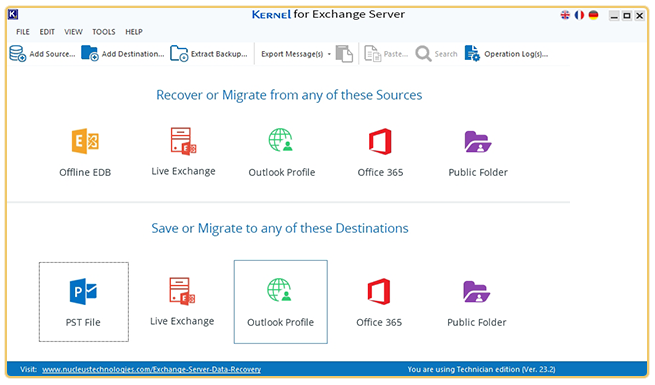
Easily migrate a disconnected Exchange database file to Live Exchange Server or Office 365 using Exchange data recovery software. Our tool helps you to transfer EDB file to any Exchange server version (On-premises or Online).

Recover Corrupt Exchange database
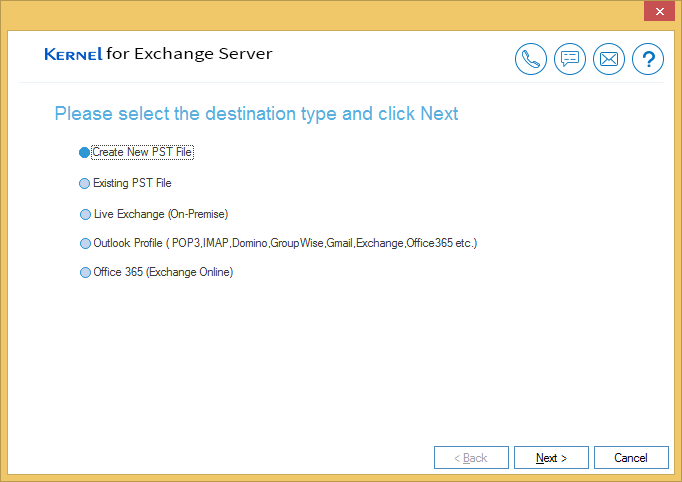
Recover data from a corrupt EDB file with our Exchange Server recovery tool and save the mailboxes to PST, Live Exchange Server, and Office 365. Download free version to resolve Exchange errors caused by Boot failure, Checksum error, Database integrity, etc.

Advanced Recovery Modes
Error-free Exchange mailbox recovery with Standard Scan & Deep Scan. The dual scanning helps to restore a complete database from high-level corruption, along with hidden system files.

EDB to Office 365 Migration
Migrate files & folders from offline EDB file to Office 365 tenant. The tool allows for a secure connection to any Office 365 account on any tenant using the modern-auth feature.

Manage Large-Sized Database
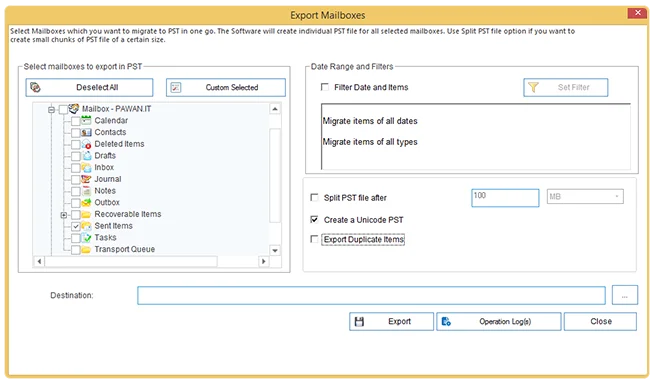
Create a separate PST file for each EDB file mailbox. Simplify data separation & management with the tool's split PST file option and divide the output PST file according to your size requirement.







 Installation Guide
 User Manual
 (4.9/5) 539 Reviews