Read time: 9 minutes
There are a lot of media players available in the market and selecting the right one depends on requirements. After testing various media players available in the market, we’ve chosen the 10 best video player for Windows and highlighted the pros and cons of each tool. Along with that, we’ve also mentioned our methodology as to how we chose the top 10 best video player software.
Which is the best video player for Windows?
- Overall best media player: VLC Media Player
- Best for advanced customization: PotPlayer
- Best for simple and lightweight interface: MPC-HC player
How We Selected the Best Video Player for Windows?
A video player isn’t just tested on whether it can play a video file or not. There are multiple criteria and factors involved to help you select the perfect video player for your needs. Here are the criteria based on which we’ve listed the top 10 video players for Windows:
- Operating system used: Windows 11 and a Windows 10 22H2 partition.
- Testing hardware used: A 40-series GPU like the NVIDIA RTX 4070 to check hardware decoding of AV1 format.
- Test files used: Two 4K HEVC/HDR files, ALAC/FLAC albums with high bitrate, a K-drama video file with complex subtitles, and a video file that we deliberately corrupted for test purposes.
Essential criteria on which we tested:
- Codec compatibility.
- Handling complex subtitles.
- Simple user interface.
- Hardware acceleration capability.
- Playback handling for corrupted videos.
Best Video Players for Windows
After seeing the basic criteria for selecting the best video players, we’ve listed some of the best video players for Windows here. Go through each video player to see which one is ideal for you:
| Video Player | Best For | 4K/8K | Hardware Acceleration | Subtitles | Ease of Use |
|---|---|---|---|---|---|
| VLC | Overall | Yes | Yes | Excellent | Easy |
| PotPlayer | Customization | Yes | Yes | Excellent | Moderate |
| MPC-HC | Lightweight playback | Yes | Yes | Good | Easy |
| MPV | Advanced playback | Yes | Yes | Good | Difficult |
| GOM Player | Subtitle-focused playback | Yes | Yes | Excellent | Easy |
| KMPlayer | High-resolution playback | Yes | Yes | Good | Moderate |
| 5KPlayer | Local + streaming playback | Yes | Yes | Good | Easy |
| Kodi | Home theatre/media center | Yes | Yes | Good | Moderate |
| MediaMonkey | Media organization | Yes | Yes | Good | Moderate |
| Windows Media Player | Basic playback | Limited | Yes | Basic | Easy |
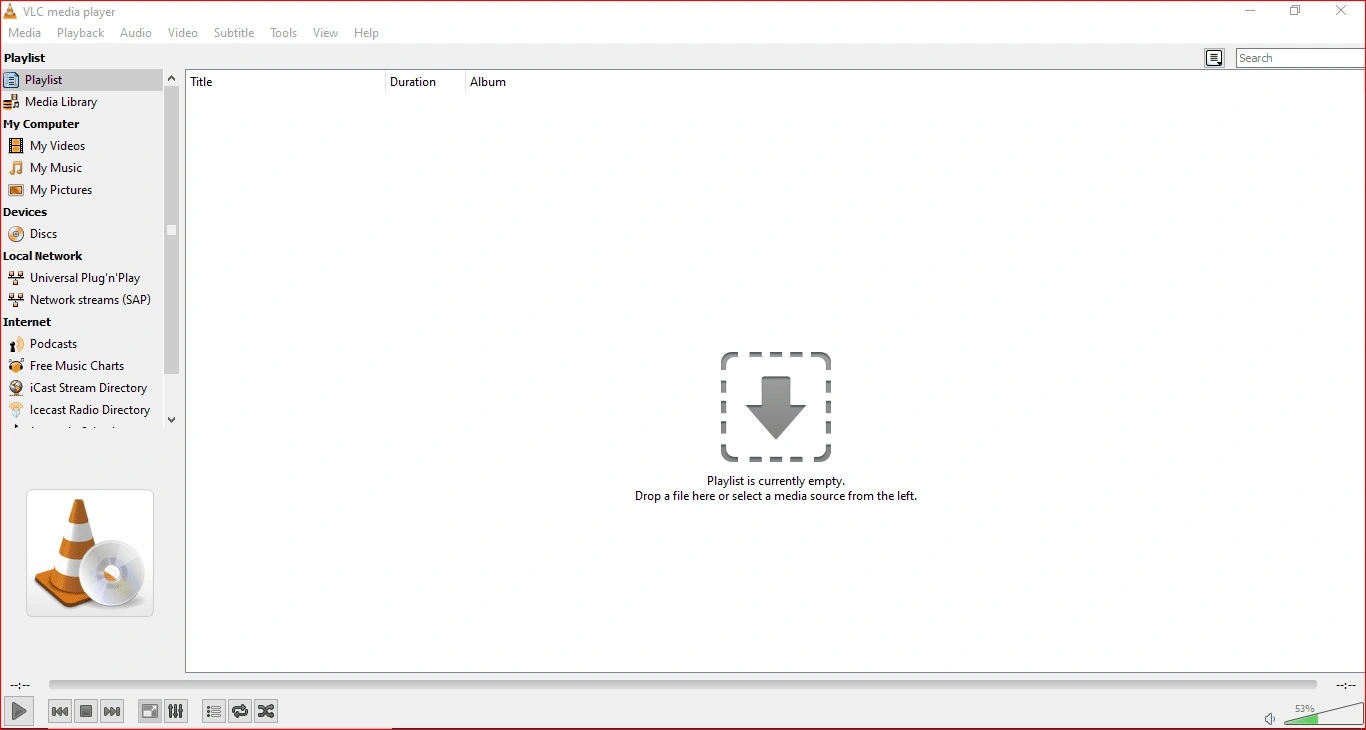
1. VLC Media Player
VLC Media Player is the top choice for users looking for an all-in-one media player with broad format and codec support. This player has been one of the most widely used and preferred media players for the Windows operating system since Windows XP, or maybe even before. It can play most video codecs without additional codec pack requirements, such as MPEG-2, MPEG-4, MP3, MKV, WebM, WMV, H.264, and many more. It plays video files, discs, live streaming, webcams, and devices.
Pros
- Multi-format and codec support.
- Completely free and operates without ads.
- Supports hardware accelerated decoding for HD/UHD video playback.
- Cross-platform compatibility as it works well across Windows, Mac, Linux, Android, and iOS.
- Advanced playback options to speed up, slow down, and adjust subtitle synchronization of videos.
Cons
- The interface feels a bit older than recent media players.
- Video conversion feature of VLC may cause loss of video quality during re-encoding.
- Advanced settings (like hardware decoding) might feel difficult for beginners.
2. PotPlayer
PotPlayer is another free video player for Windows that offers vast control of video decoding, rendering, subtitle management, and video playback. It is a good choice for users looking for a media player that can play high-resolution videos with uncommon formats. It offers more configuration options for video playback than a basic media player.
Pros
- Can play 360-degree videos, 3D videos, and even 8K videos.
- Supports hardware acceleration technologies like CUDA, DXVA, and QuickSync for 4K, HD, and 3D video playback.
- Compatible with almost all video and audio formats without having to download extra codec packs.
- Advanced subtitle management, like the feature of subtitle translation and text zooming.
Cons
- The interface is a bit less user-friendly.
- Multiple settings and a crowded feature menu can feel tricky to beginners.
- Not available for any other platforms like Linux, macOS, Android, or iOS.

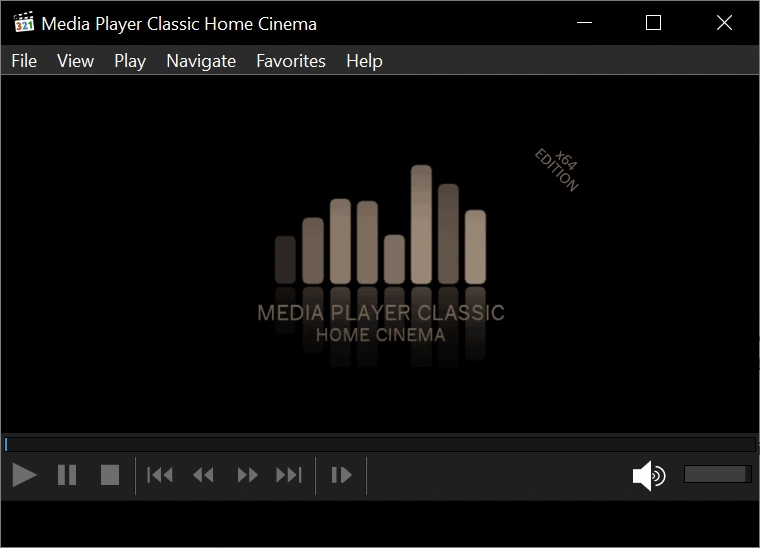
3. MPC-HC (Media Player Classic)
MPC-HC is a free, lightweight media player that’s perfect for users looking for a traditional media player without any complicated features. It’s popular amongst users because of its simple and traditional interface, local playback, and rendering controls.
Pros
- Extremely lightweight media player as it uses very little CPU, RAM, and system resources.
- Quick, easy to launch, and stable performance.
- Built-in decoders available for HEVC, AVI, and VP9 playback.
- Uses DXVA hardware decoding technology to decode HD/UHD (4K) videos.
Cons
- Available exclusively for Windows platforms.
- The interface is a bit old and complex for beginners.
- Doesn’t support physical Blu-ray movie discs.
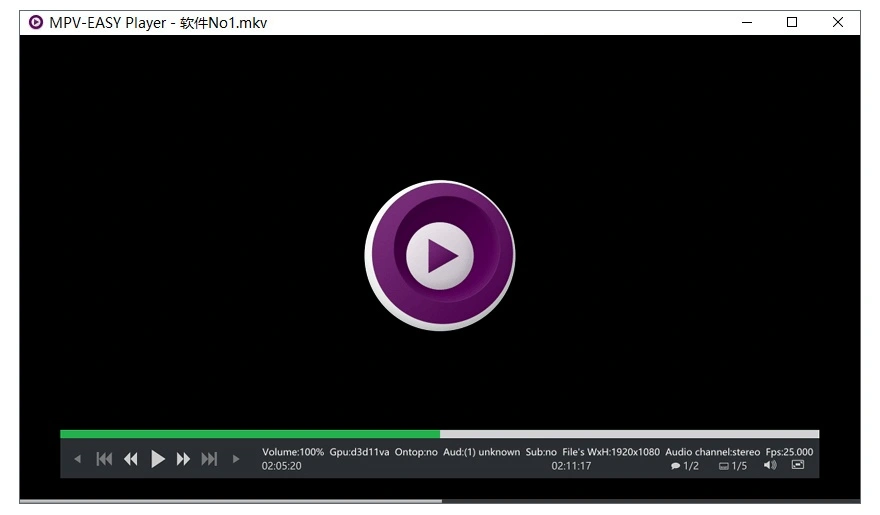
4. MPV Player
MPV player allows users to control their videos’ performance, playback quality, and customize them as per their needs. This video player offers high-quality video rendering, hardware decoding for HD and UHD video playback, and supports a wide range of video formats and codecs. Also, it provides features like HDR, color management, and advanced scaling capabilities.
Pros
- Lightweight media player.
- Uses FFmpeg for hardware decoding.
- High-quality video rendering.
- Highly customizable media player.
Cons
- Does not have a dedicated media library to manage video files.
- Lacks on-screen buttons to perform functions; most actions are done by keyboard shortcuts.
- Beginners who are used to a standard interface might find it confusing.
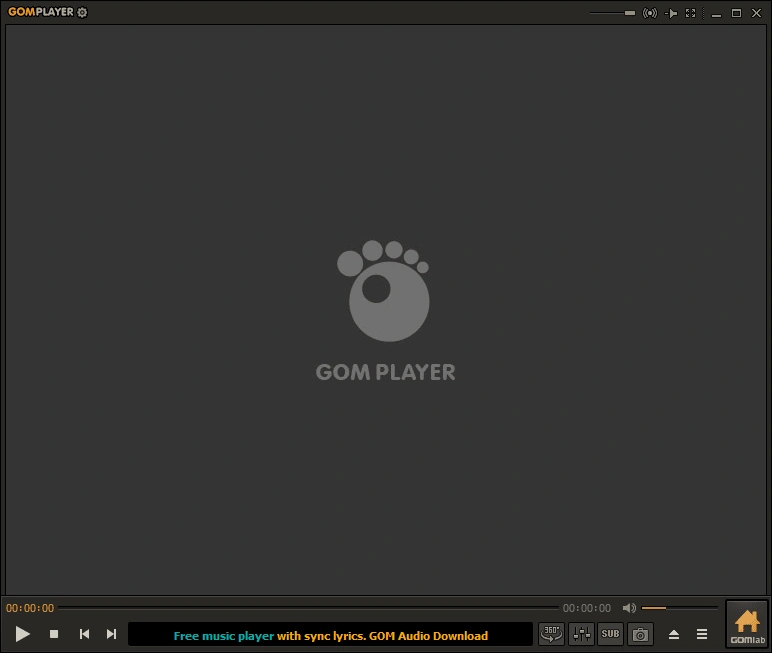
5. GOM Player
The GOM Player is ideal for everyday video playback with extensive video formats and codec support. It’s also ideal for convenient subtitle management and for easy playback controls.
Pros
- Extensive video formats and codecs support.
- Automatic subtitle search and synchronization.
- Supports playback of broken and partially downloaded videos.
- Supports 360-degree videos, VR videos, 4K and 8K videos.
Cons
- Free version usually contains adware or tries to change browser settings.
- Need to pay for an ad-free version.
6. KMPlayer
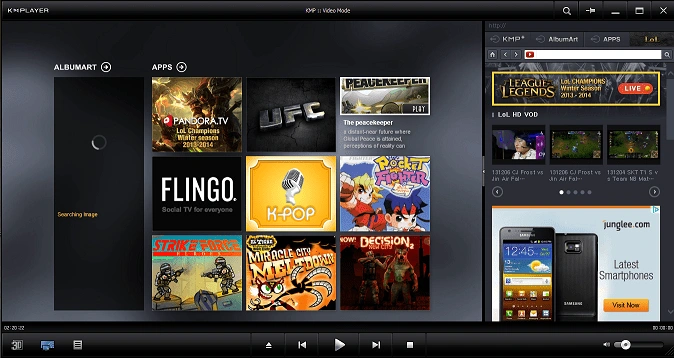
KMPlayer is a popular video player all around the world. It was launched in 2002 and is now owned by Pandora TV, a Korean streaming company. It has a video capture feature that allows you to capture video and audio in the format of your preference (including GIF). Moreover, it is compatible with Windows, Mac, Android, and iOS.
Pros
- Supports formats like MP4, MKV, AVI, MOV, etc.
- Assists with smooth playback of high-resolution videos like 4K, 8K, and 3D videos.
- Advanced tools like subtitle synchronization, audio equalizer, playback speed adjustment, etc.
- Supports URL streaming to play online videos.
Cons
- Displays unremovable ads all over the interface that often interfere with functionality.
- Often comes with unwanted adware and bundled software.
- The interface can feel a bit cluttered.
7. 5KPlayer
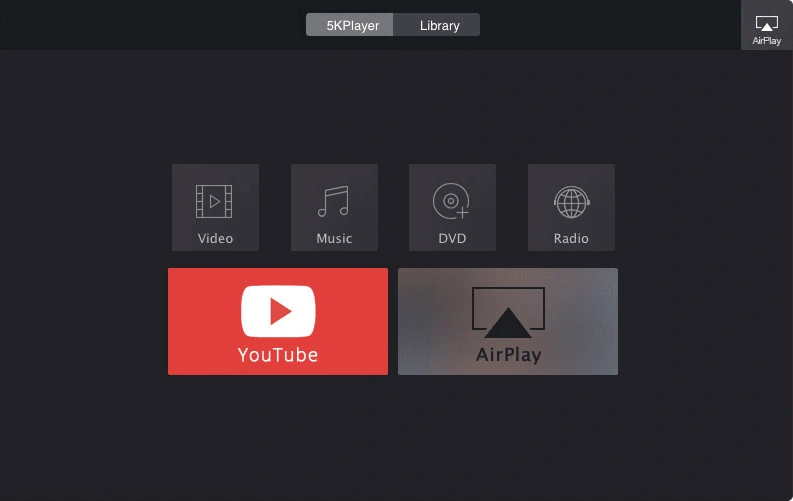
5KPlayer is a free top media player that’s designed for users who want local video playback along with downloading online media files from all popular platforms such as YouTube, Vimeo, Dailymotion, etc. This media player easily streams audio and video files smoothly across different devices like smartphones, PCs, and smart TVs.
Pros
- Renders videos of different formats like MP4, MKV, AVI, and even HD/UHD formats like 4K, 5K, 8K, and 360-degree VR videos.
- Supports sound systems like Dolby, DTS, and R-Stereo.
- Uses CUDA, AMD, Intel, and DXVA 2.0 hardware acceleration for video playback with minimal CPU and GPU usage.
- Handles a wide range of different subtitle formats like .srt, .ssa, .sub, .ass, .aqt, .json, etc.
Cons
- Recurring prompts for registration and advertisements hinder functionality.
- Automatically makes itself the default program for different media file types.
- Intrusive behavior raises trust concerns.
8. Kodi
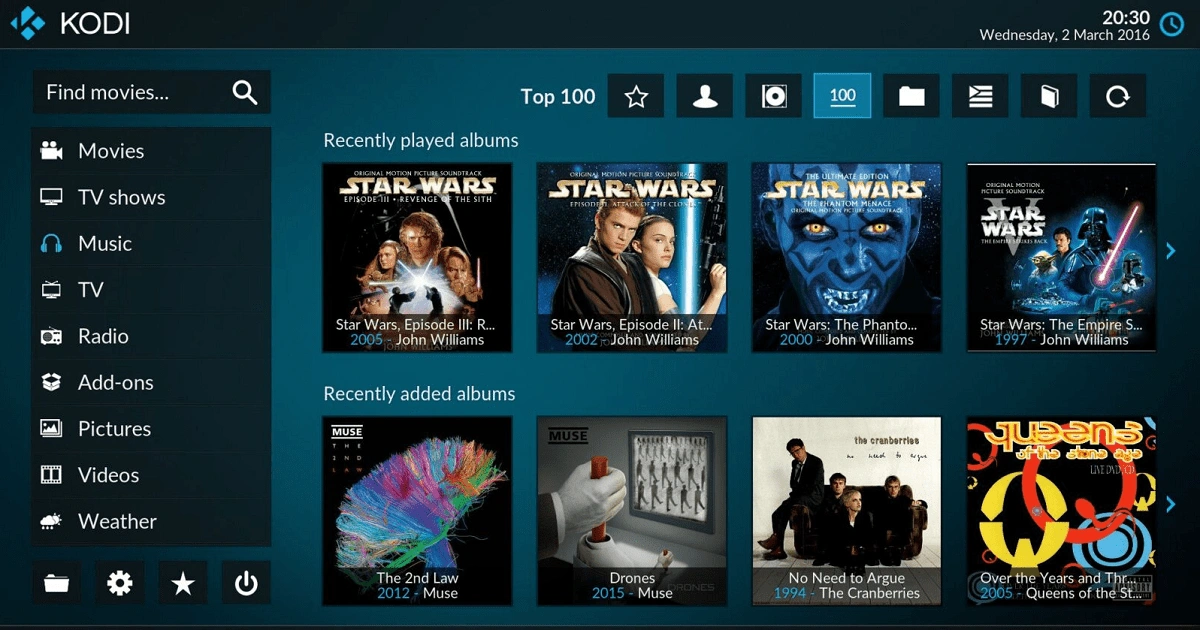
Kodi, formerly known as XBMC, is a free video player and an entertainment hub. Its JSON-RPC-based remote interface makes it ideal for remote controls, playing on web browsers and other third-party tools.
Pros
- Supports a wide range of video, audio, and photo file type formats.
- Automatically organizes video library and categorizes metadata like movie name, poster, summaries, etc.
- Designed primarily for home-theatre use.
Cons
- Doesn’t offer native support for major streaming platforms like Netflix.
- Less focus on conventional desktop media player use.
- Third-party add-ons can pose security risks.
9. MediaMonkey
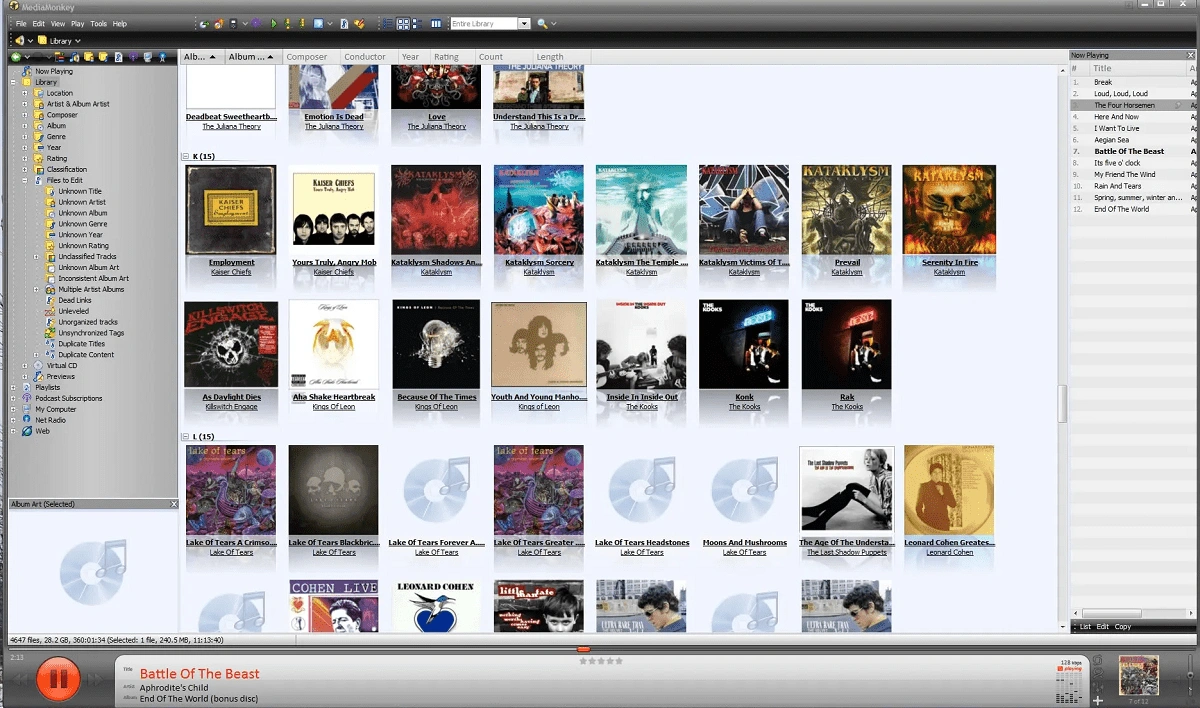
Commonly known as MMW, MediaMonkey for Windows is a digital media player that organizes large audio and video file collections. This software is best suited for users who tend to keep their music videos and audio organized. It can manage and automatically organize movie and music libraries for a large number of files.
Pros
- Synchronizes and backs up media content from configured devices.
- Manages library media effectively.
- Suited for large personal media library.
Cons
- Primarily, it’s a media management application.
- Only designed for Windows OS.
- Encoding and automation features require the Gold version.
10. Windows Media Player 12
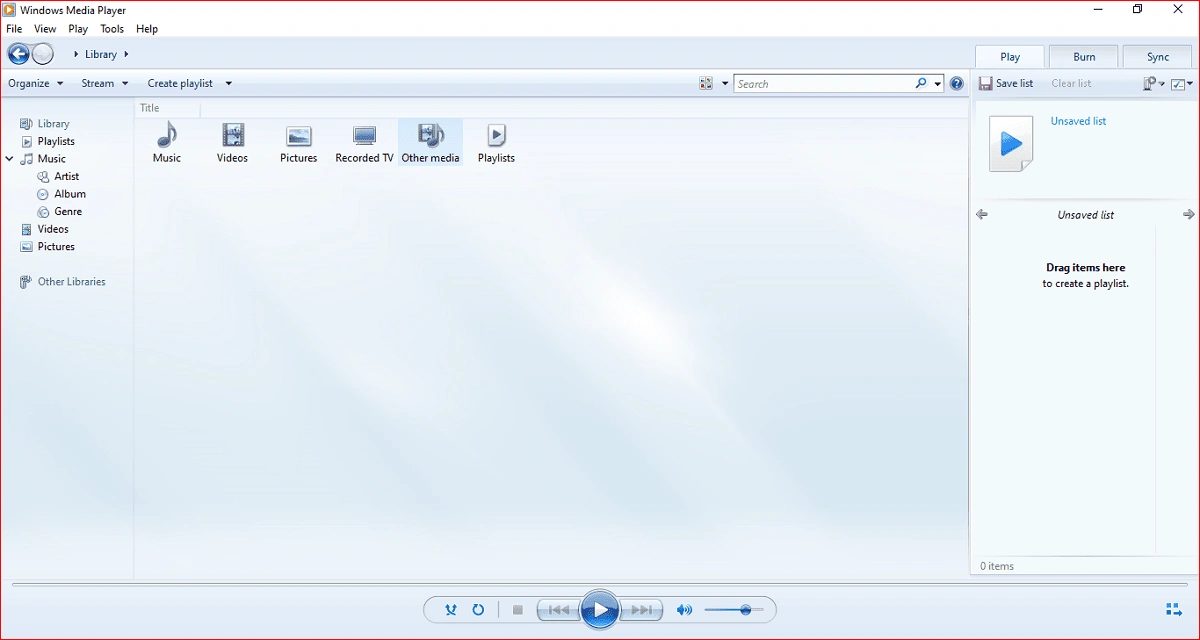
Windows Media Player 12 is the built-in tool of Windows OS. This legacy media player works well for playing videos, audios, and for viewing photos of standard formats.
Pros
- Built-in Windows application so no need to download any extra application.
- Interface is very simple and beginner friendly.
- Works well for common audio and video formats.
Cons
- Codec support is very limited than other modern media players.
- Crashes or slows down frequently when processing large video files.
- Only works on Windows OS.
Conclusion
So, we’ve highlighted the pros and cons of each media player to help you choose the best video player software for Windows. Based on our testing, VLC Media Player is overall the best choice for users looking for all-in-one video player. We hope these explanations help you find the tool that suits your requirements perfectly.
Frequently Asked Questions
A. VLC Media Player is considered the best overall media player for Windows in 2026 because of its support for almost all video and codec formats. It doesn’t require a separate codec pack to play HD videos.
A. Although Windows 11 has a built-in video player called Windows Media Player, but users still prefer VLC for its broad format and codec support.
A. If you’ve tried playing your video files in different video players but it does not work, the video file might be corrupted or missing essential video data. Try copying your video file from the original source again and if it still doesn’t work, try repairing your video files with a video repair tool.