Top use cases for Kernel for NSF to PST

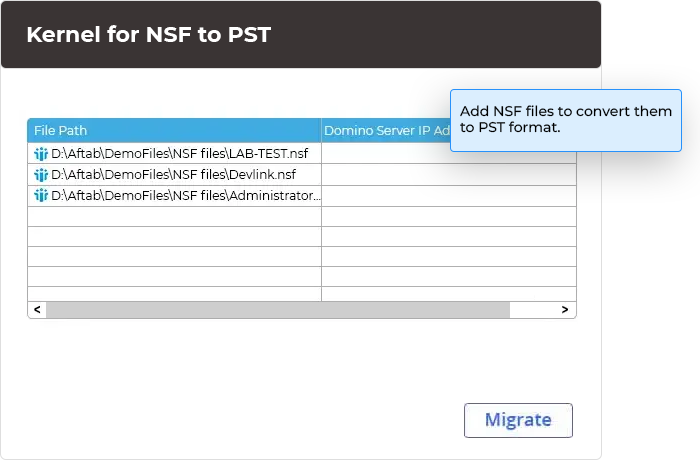
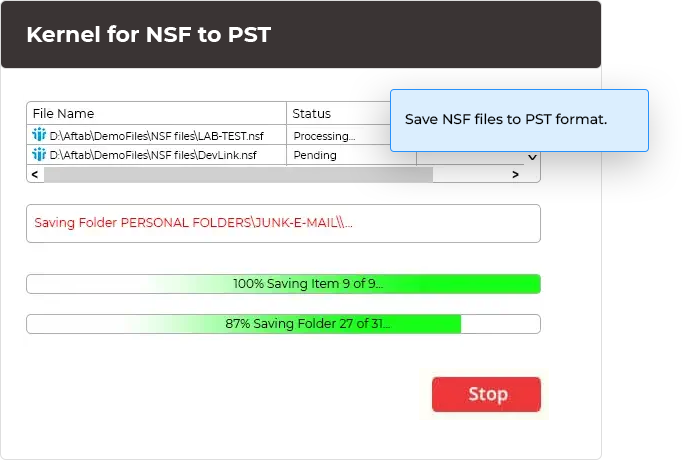
Effortless NSF to PST or Exchange migration for multiple Lotus Notes versions When you need to migrate single or multiple local NSF files from Lotus Notes to Outlook, turn to our reliable Kernel for NSF to PST Converter. Seamlessly export multiple IBM/HCL Domino NSF files to PST using a CSV file, ensuring a convenient and efficient migration process. This tool facilitates the migration of SmartCloud Notes/Verse data with simple connection methods such as automatic search or IP address and password.

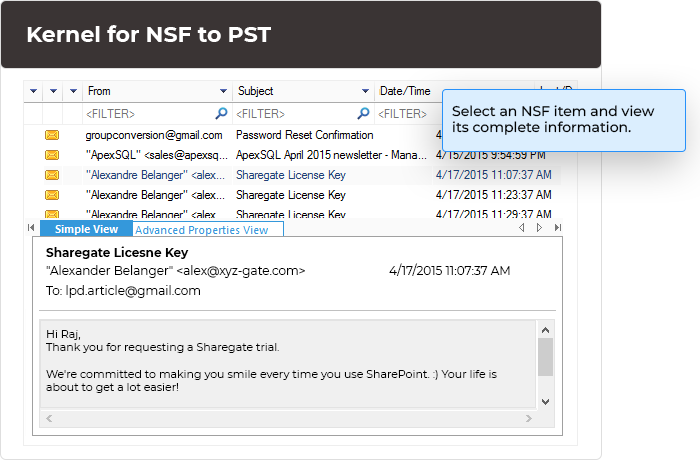
Selective migration with advanced preview capabilities for NSF to PST When selective migration of NSF files becomes necessary, rely on Kernel for NSF to PST Converter. It provides a preview of selected local NSF file data, showcasing all mailbox folders in a structured tree format with complete metadata like sender, recipient, subject, and attachments. Its several filtering options, including date range, category selection, and folder customization, ensure a seamless and precise migration process tailored to your specific needs.

Efficient and secure NSF to PST migration across different software versions When it comes to seamless NSF to PST migration across different versions of IBM Lotus Notes/HCL Notes/Domino Server, trust Kernel for NSF to PST Converter. This tool ensures compatibility even with the latest software versions, such as Outlook 2019, Exchange Server 2019, and IBM Notes 10. With its ability to operate on Windows 11/10, it guarantees hassle-free NSF to PST conversion, regardless of the operating environment or conditions.


 Installation Guide
The software functions effectively with all versions of Lotus Notes, ensuring no loss of data during the migration process. The user interface of the software is also highly supportive.