Kernel for PST Split
 (4.9/5) 590 Reviews
Top-Rated PST Splitter Tool to Split Large PST Files
1M+ Downloads
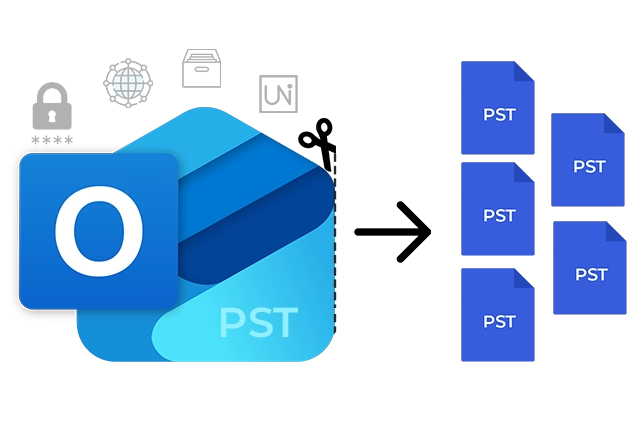
Split oversized PST files accurately with our Outlook PST splitter tool. Compatible with all Windows OS, split and save smaller PST files by size, sender's Email ID, date, or folder type. Divide healthy or corrupted files instantly.
Download the trial version and save 5 emails per folder for free.- Divide PST files with multiple file size options (MB, GB, or TB).
- Organize PST within your desired time range (weekly, monthly or yearly).
- Separate PST data via sender email ID for dedicated grouping.
- Split Massive PSTs (100K+ emails) into manageable smaller parts.
- Break PST file and create separate PST files for every folder.
- Choose the specific folder & extract in a new PST file.
- Preserves the original metadata and formatting.
- PST files from all Outlook versions are supported.
- Use built-in PST search feature to quickly find PST file on your system.
- Compatible with all Windows and Windows Server versions.
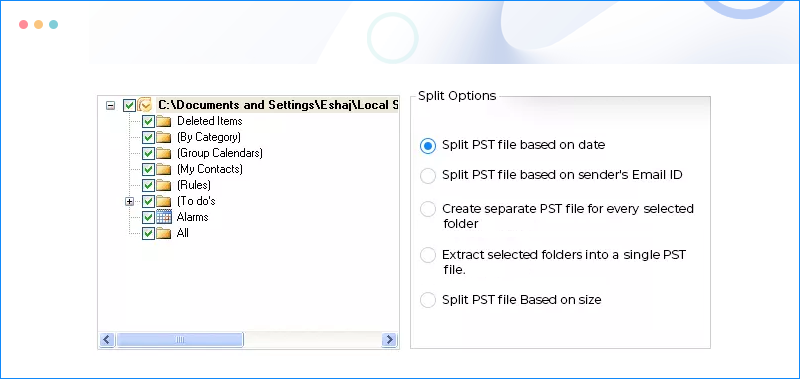
What's new in Kernel PST Split Tool
190+ COUNTRIES WORLDWIDE
20 YEARS' EXPERIENCE
24x7 CUSTOMER SUPPORT
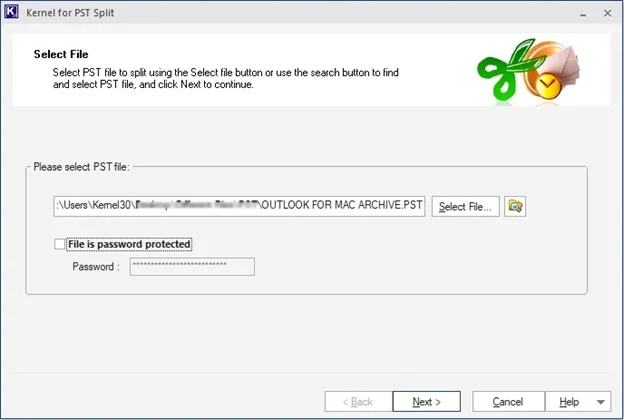
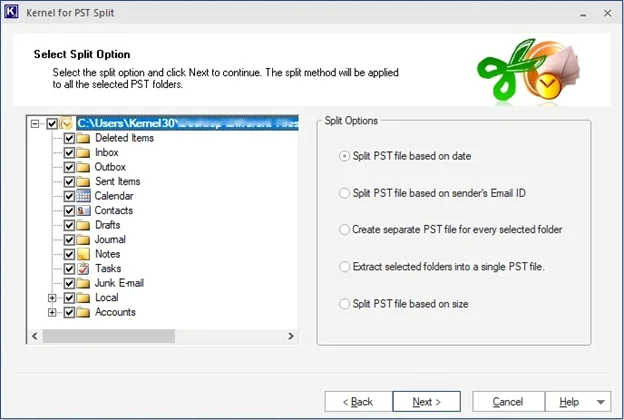
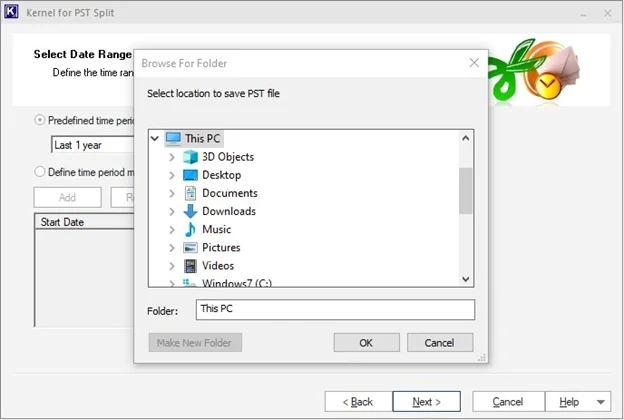




 Installation Guide
 (4.9/5) 590 Reviews