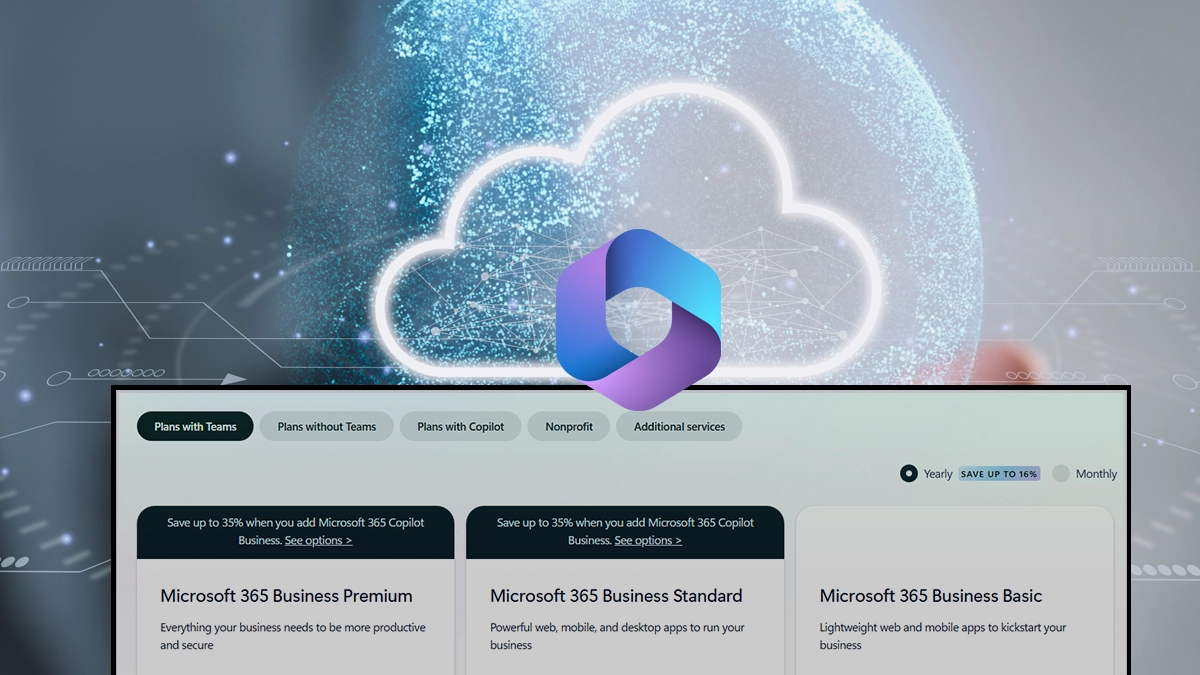
Summary: Yes, Microsoft 365 is available to use for free for the web, which includes Word, Excel, PowerPoint, and OneDrive. Eligible students, educators and even nonprofit organizations can qualify for free access to premium Microsoft 365 plans. So, Is Microsoft 365 free? Yes, with limited capabilities.
Should I pay for Microsoft 365, or Can I get Microsoft 365 for free? It is available for free. Be it you need Word for assignments, Excel for reports or OneDrive for cloud storage, Microsoft gives you legal access to a range of tools without any subscription.
To get Microsoft 365 for free, do not rely on unofficial keys, unreliable download or unofficial activators. With our assistance, we will help you out with the best options and how to get Microsoft 365 for free.
Is Microsoft 365 Free? Options Available and Trial Versions
Microsoft provides free access to limited Microsoft 365 web applications and services, mainly for trials. But for a complete desktop suite, there is always a paid subscription and activation. The answer to “Is Microsoft 365 free?” is conditional, which depends on how you plan to use it.
Microsoft 365 free version is available to access through a web browser, where you can use Word, Excel, PowerPoint, OneNote, Outlook, etc., online for personal & occasional usage.
Advanced features and desktop applications are still reserved for paid Microsoft 365 plans. Here is what you get and opt for trials in the free Microsoft 365 version:
| App / Service | Description |
|---|---|
| Word for the web | Browser-based document editing |
| Excel for the web | Browser-based spreadsheets |
| PowerPoint for the web | Browser-based presentations |
| OneNote | Web and mobile note-taking |
| Outlook (Web) | Email and calendar |
| Calendar | Included with Outlook |
| People (Contacts) | Contact management |
| OneDrive | 5 GB free cloud storage |
| Microsoft 365 Home Portal | Access point for Microsoft 365 web apps |
| Microsoft 365 Mobile App | Basic document viewing/editing |
| Free Templates | Microsoft templates for documents and presentations |
| Real-time Collaboration | Co-authoring through OneDrive |
| File Sharing | Share files and folders |
| Basic Version History | Available for OneDrive files |
| Office on Android/iOS | Basic functionality with free account |
Note: Here are some other applications and services that free Microsoft 365 includes, depending on factors like region or rollout:
- Microsoft Forms (personal availability varies)
- Microsoft Designer (limited free usage)
- Microsoft Copilot (limited/free experience)
- Clipchamp (free tier)
- Microsoft To Do (with Microsoft account)
- Sticky Notes (when used with a Microsoft account)
Basic web search and AI features that Microsoft may enable over time.
How to Get Microsoft Office 365 for Free?
Take a look at the 3 different methods available to get Microsoft 365 for free. We will give you insights on Web version, school or university versions and family packs available.
Method 1: Get Free Access to Microsoft 365 for Web Version
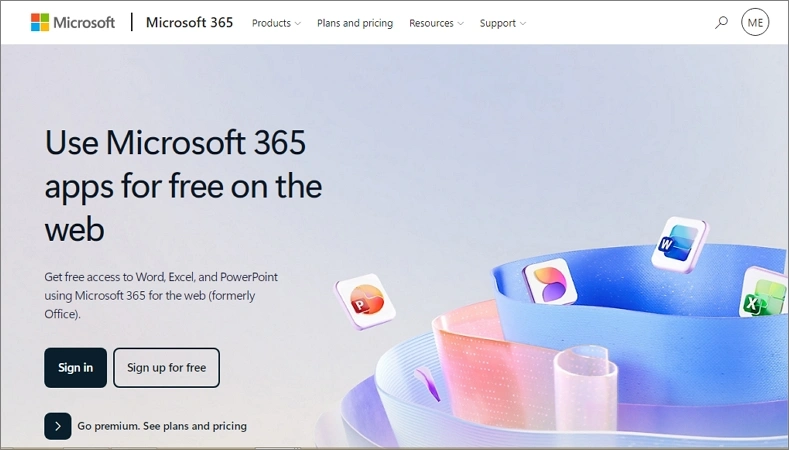
For basic productivity tools such as Word and Excel, then free Microsoft 365 for web is the way to go. Here is what you need to do.
- Visit Microsoft’s official website for free web apps.
- Sign in with your Microsoft account.
- Post a successful login, access Word, Excel, PowerPoint, Outlook online, Designer, etc., for free.
Method 2: Get Free Microsoft 365 Through School or University
Are you a student or a university member? If so, then use the Microsoft Office education plan for free. You can even apply for student discounts. Follow the steps below:
- Sign up using your Microsoft account email.
- Check the offer and Microsoft 365 plan details.
- Add your payment method.
- Input student email address for discount.
- If you’re eligible for this offer, a discount coupon link will be sent to your mail to complete your order.
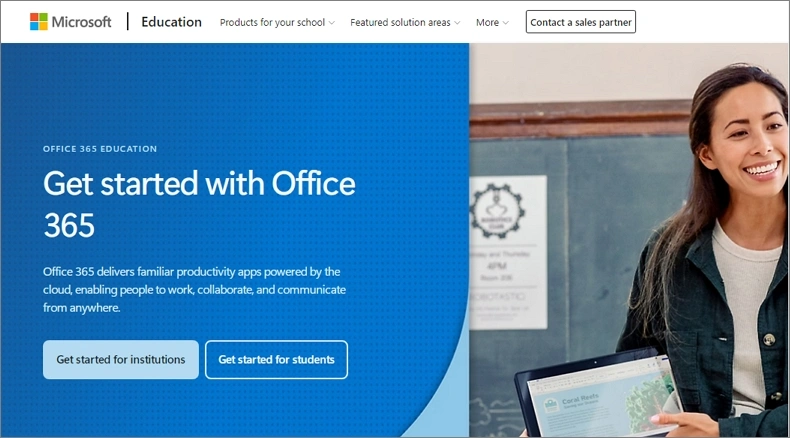
Eligibility for Microsoft Office Education plan:
- Active school or college email address.
- Verified educational institution.
- Student or faculty status within the institution.
Method 3: Get Microsoft 365 for Free with Family Plan
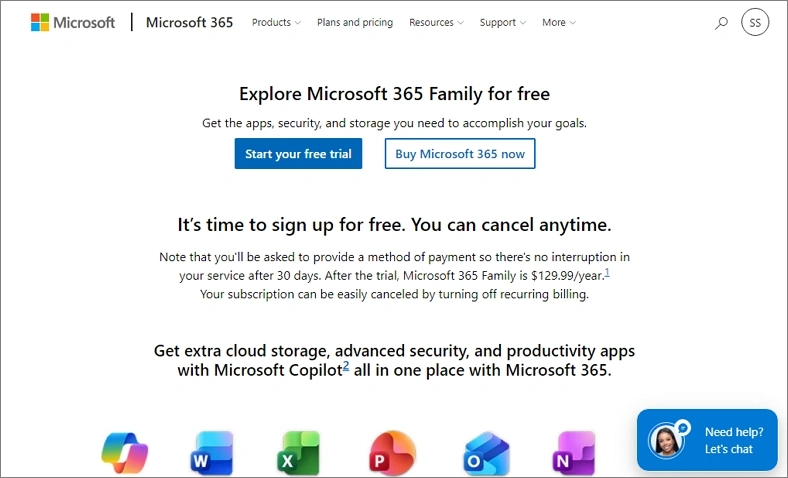
Microsoft 365 Family Plan is the most used plan by groups. You do need a subscription, but you can get a 30-day free trial. To get Microsoft 365 for free via Family plans, here is what needs to be done:
- Go to Microsoft 365 Family plan and tap on Start free Trial.
- Add a payment method and provide a billing address.
- Verify the information and get started with the Microsoft 365 Family plan.
Can You Get Microsoft 365 Personal Lifetime Subscription for Free?
Microsoft 365 is a subscription model, and no method is available to activate the premium desktop Microsoft 365 suite without a dedicated license. So, always avoid unofficial downloads or activation methods if you’ve ever thought about free or lifetime Microsoft 365 subscription.
Important to Know: Frequently, Microsoft updates plan features, AI capabilities, storage allowances, licensing terms, etc., so compare Microsoft 365 plans and features before making any decisions.
Microsoft Follows Shared Responsibility Model, So What About Data Safety
As the business grows with time, data accumulates. Microsoft does not provide any protection against data loss and is not responsible for accidental human deletions, malware, or failed migrations, except for 30 days of retention. You also have the responsibility to keep data safe via backup. So, secure your important Microsoft 365 data before it is too late.
Kernel Office 365 Backup Tool can help create secure backups and simplify recovery when needed. You can check out its features and capabilities now!
Last Say
Now that you are well-thorough with how to get Microsoft 365 for free. The free Microsoft 365 version, education plans, family plans, mobile apps, and trial subscriptions provide legal access. Free Microsoft 365 options can work well for only basic tasks because they contain limited features and capabilities.
On the other hand, users with needs for advanced productivity or business tools only benefit from a paid subscription-based Microsoft 365 model. One thing is common in all: remember to protect your Microsoft 365 data with effective backup because it is an important practice. So don’t let your data go away, backup today, and keep the data safe from hazardous situations.