Read time: 8 minutes
Due to massive growth in remote work and global reach, emails are becoming the most prominent choice to interact with people. Over 4.5 billion users send/receive approximately 376+ billion emails per day, and they rely on many email clients to manage their personal and work email data. Each of the email clients has its own file formats to save the email data, but they may be unreadable when a specific email client is unavailable. That is where the email file viewer tools come to help users.
The email file viewer is a common standalone software that opens the specific file of a particular client’s email in no time. Users can even view and read their entire mailbox data, even in the absence of a file-supported email client. In this article, we’ve compiled the top 7 trustworthy and free email viewer tools for Windows OS.
Why Users Opt for Email Viewer Tools? | Common Reasons
The email viewer tool plays a very important role when users need to access their mailbox data, but the email client doesn’t work. However, there are many other reasons to use email viewer tools, such as:
- Access Data Without an Email Client: The inability to access email data from files (PST, MBOX, EDB, MSG, OLM, etc.) without an email client bothers users the most. Thus, the free email viewer tool has become the only solution for them.
- Cost-effective Email Preview: In some instances, files containing emails become corrupt, but users need to view the data. In such a case, the free email file viewer tool helps display the entire file data in the original folder structure.
- View Corrupt email data: When you have a corrupt email file and the email client can’t be able to view its content. A reliable free Email Viewer tool will help you to view its content with original attributes.
A List of 7 Best Free Email Viewer for Windows OS
Here we’ve assembled the top 7 email viewer tools, which are standalone and free to use. Go through each tool and pick the ones that suit your needs:
#1. Kernel OST Viewer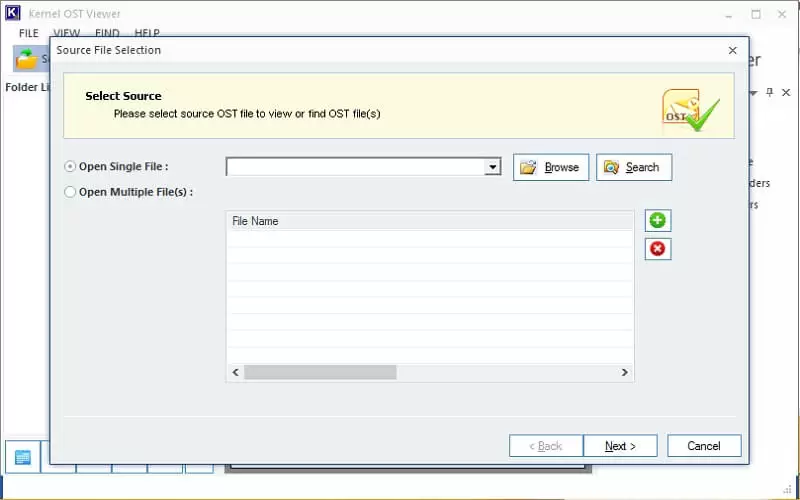
In our list, Kernel OST Viewer is the top-quality tool that many Outlook users prefer. It scans healthy, corrupted, orphaned, or inaccessible OST files in depth, repairs, and opens them in no time. It is equipped with features like file auto detection, finding specific mail, load snapshots, and email sorting on the basis of attributes like From, Subject, Date/Time, & Lost/Deleted, etc.
The features offered by the tool are:
- Access & read multiple OST files without an Exchange Server connection.
- Displays all OST mailbox items with original layout & structure.
- Open the complete email body along with attachments.
- Generates the file analysis reports on various parameters.
- Save the OST email list in HTML format at the preferred location (local).
#2. Kernel PST Viewer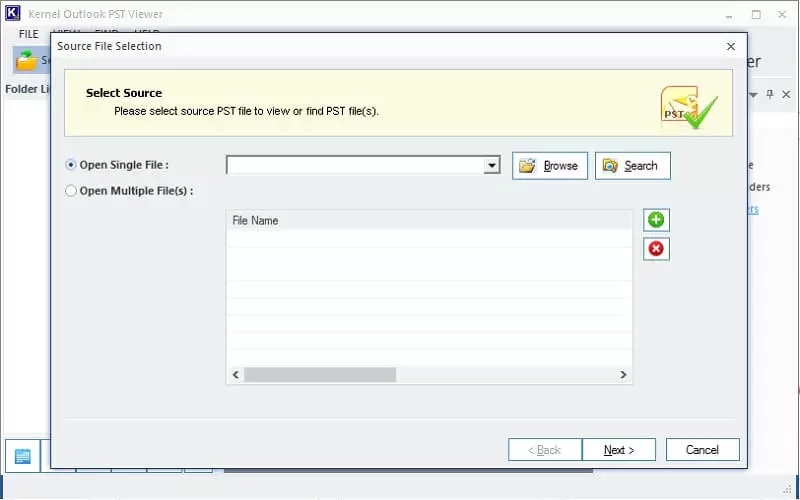
The Kernel PST Viewer tool is another preferred email file viewer solution among Outlook users. It accesses healthy/corrupted multiple PST files in one go and generates a preview. Also, the tool is enriched with strong algorithms and features like no file size restriction, bulk PST support, advanced repair, auto-detection of PSTs within PC, etc.
Top-quality features of the tool are:
- View/read healthy as well as corrupted PST files without needing Outlook.
- Scan and open normal as well as password-protected, ANSI, and Unicode PST files.
- Preview entire mailbox data, like email, contacts, calendar, tasks, journals, notes, etc.
- Save the PST email list in HTML format at the desired location in local storage.
- Generate a file analysis report in different parameters, like Total item types, Mail flow density, etc.
#3. Kernel EDB Viewer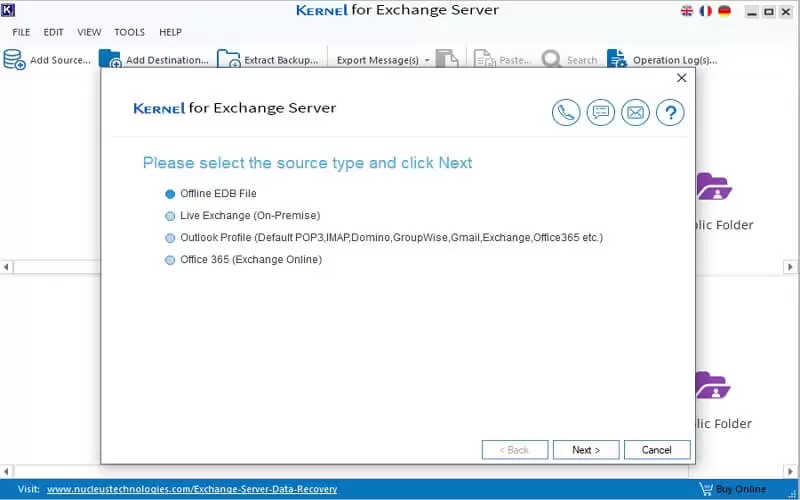
When needed to view EDB files without an Exchange server connection, the Kernel EDB Viewer is the most recommended solution. This free email viewer tool resolves corruption issues and opens the EDB files’ emails, contacts, distribution lists, calendars, tasks, and notes with zero data loss. Also, it does not require Exchange or Outlook connectivity to open/read offline EDB files.
Advanced capabilities of this tool are:
- Scan and open corrupt, deleted, and incomplete data from EDB files.
- Generates a clear preview of user mailboxes and public folders.
- Automatically fetches EDB files from the system drives.
- Specific ‘Search’ feature to view particular EDB data.
- Comes with an easy-to-use, self-descriptive, and user-friendly GUI.
#4. Kernel MBOX Viewer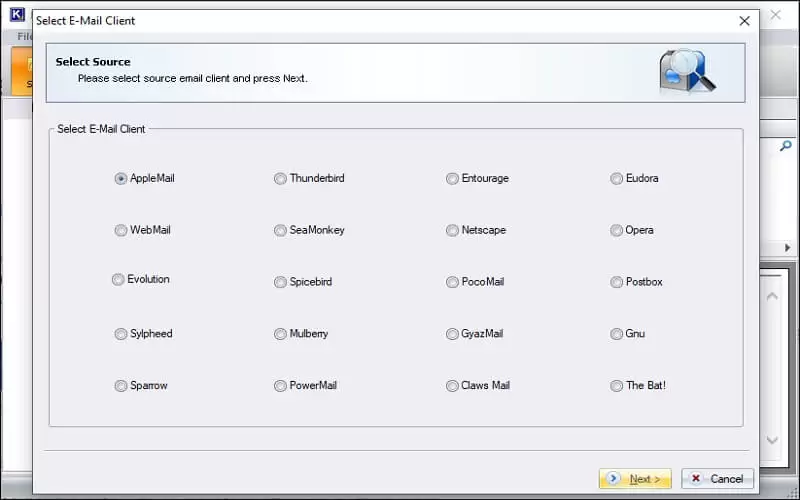
The Kernel MBOX Viewer is another great utility that opens and previews 20+ MBOX-supported email clients (Apple Mail, Thunderbird, Eudora, etc.), with no manual hassle. This free email viewer tool is enough so that users don’t need to install several applications to view MBOX files. In fact, the tool comes with smooth compatibility and excellent features like quick scanning, large MBOX file support, and many more.
A few key features of the tool are:
- Supports all MBOX family files (MBOXO, MBOXRD, MBOXCL, MBOXCL2).
- Securely open emails and other MBOX file content in no time.
- Add, scan and open single or multiple MBOX files simultaneously.
- View MBOX file data with original key attributes, formatting, and attachment.
- Advanced filtering options to view specific email content easily.
#5. Kernel EML Viewer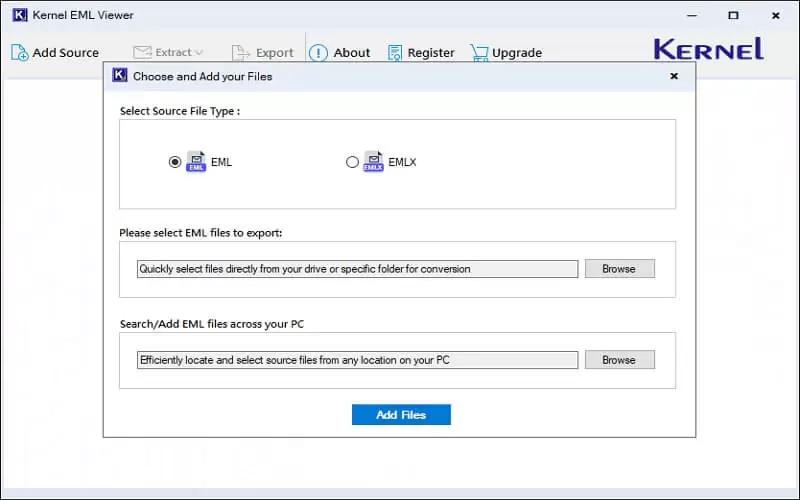
Many email clients, like Outlook, Thunderbird, Apple Mail, etc., save emails in an EML (single plain text format) file. However, it can be accessible with many email clients, but having a common, quick, and best email file viewer tool is wise. Kernel EML Viewer is one such free, powerful and feature-rich tool that efficiently opens multiple EML files in one go.
Advanced features of this tool are:
- Auto-detect and open severely corrupt EML files with ease.
- Preview non-English and UNICODE characters of EML files.
- Advanced filters to search for a specific EML file.
- Access EML file content like messages, headers, and attachments.
- 100% reliable, easy-to-use, suits all technical level users.
#6. Kernel MSG Viewer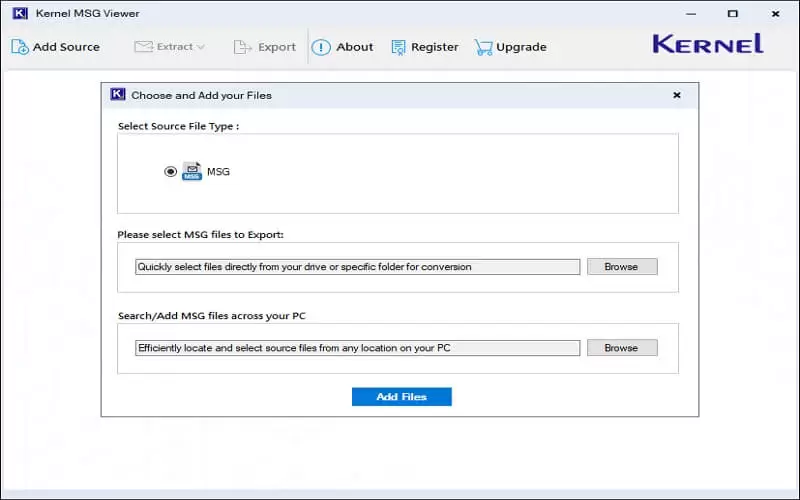
Microsoft Outlook is a prime application to create/open MSG files, but it bothers users when their Outlook becomes unavailable or inconsistent. To help them out, the Kernel MSG viewer is the only go-to solution. This free email viewer tool also comes with advanced compatibility and a wide range of features like bulk MSG support, no file size limitation, smart auto detection, etc.
Other reliable features of the tool are:
- Open MSG files with all email components like sender, subject, recipients, etc.
- Provides filters like From, To, CC, BCC, Subject, etc., to sort specific emails.
- Preserves email body, attachments, embedded objects, hyperlinks, metadata, etc.
- Open emails containing Unicode & multilingual text with full accuracy.
- 100% error-free, smooth, reliable, and effective for viewing multiple MSG files at once.
#7. Kernel OLM Viewer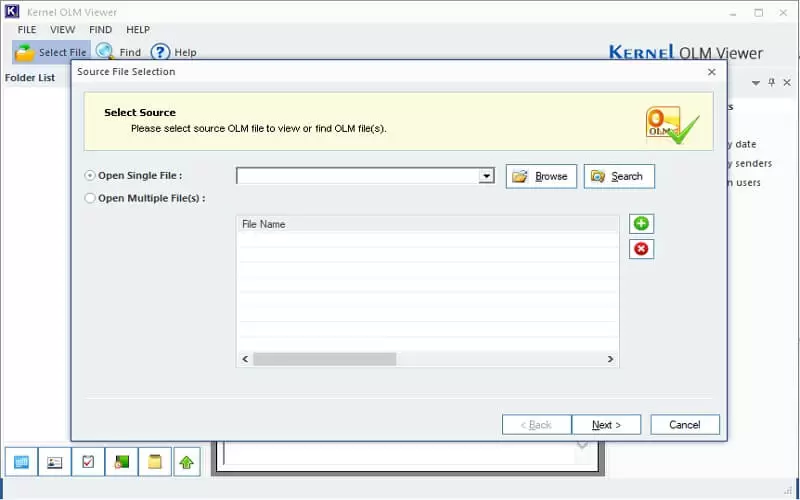
Last but not least, Kernel OLM Viewer is another standalone and freeware tool that opens OLM files (Outlook for Mac) in Windows OS. This email file viewer tool has a strong algorithm to make OLM file accessible, with all data intact. With innovative features and compatibility with major Windows OS, it became the most preferred solution among users.
High-end features of the tool are:
- Quickly scan and preview multiple healthy/corrupt OLM file data
- Auto-locate OLM files from the specific drive in the system.
- Open OLM files of any size and save the email list in an HTML file
- ‘Find’ feature to view specific OLM data without hassle.
- Displays graphical representations of OLM files on various parameters.
Last Say
Here, we’ve covered the most reliable and preferred free email viewer tools. Each tool has its own unique features and file support. You can use them according to your needs. Along with their powerful features, they are compatible with almost all Windows OS, safe, and easy to use to view email files. Even novice users can operate these free email viewer tools effortlessly without any hurdles. So, don’t trap yourself in manual methods and uncertain results. Get the free email viewer tools now!!
Frequently Asked Questions
A. An email viewer tool is a standalone software that allows you to open and read your email content without requiring any email client.
A. Yes, trusted email viewer tools are safe to use because they work on a read-only algorithm and don’t store your essential emails.
A. Individuals, IT admins, and IT consultants can use a free email viewer tool to view the content of their email files without depending on any email client.