Kernel for GroupWise to Outlook
4.9 (4.9/5) 543 Reviews
Robust solution for smooth GroupWise to Outlook migration
1M+
Downloads
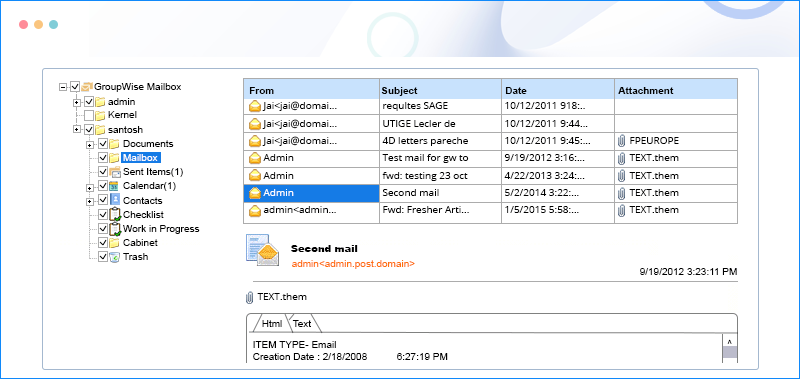
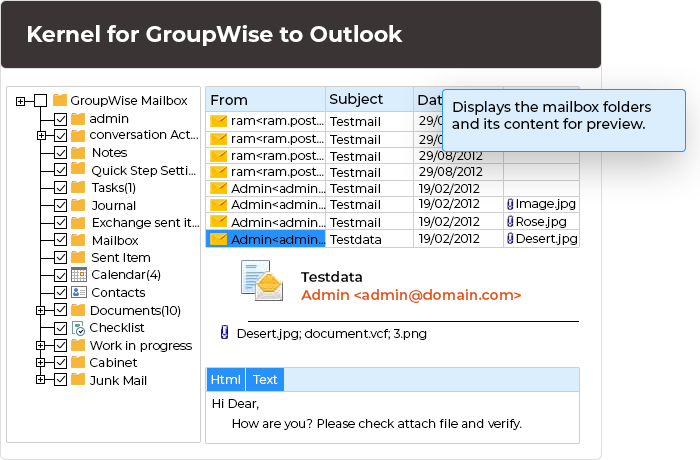
Migrate Novell GroupWise mailboxes to Outlook PST format without any data loss. The tool offers a Proxy Access feature for complete mailbox retrieval and allows migration of archived and deleted mailboxes. Compatible with all versions of Novell GroupWise and MS Outlook.
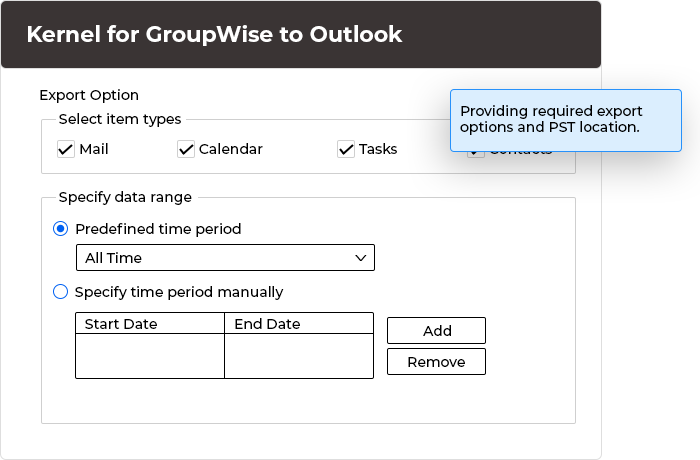
- Migrate single or multiple Novell GroupWise mailboxes to Outlook PST
- Move complete data to Outlook, including emails, calendar, attachments, address book etc.
- Allow the migration of archived items, deleted items, and Unicode characters.
190+ COUNTRIES WORLDWIDE
18 YEARS' EXPERIENCE
24x7 CUSTOMER SUPPORT






 Installation Guide
Successfully migrated data from multiple GroupWise mailboxes to a single PST file without encountering any issues. This tool proves to be an excellent choice for GroupWise users seeking a secure backup solution.