Read time: 5 minutes
Encryption of JPEG photos is meant to maintain the privacy and security of one’s photos and limit their accessibility to intended and selective people. But when they corrupt, you lose all the access. Unlike a normal JPEG that fail to open, an encrypted JPEG has 2 problems, i.e., you have to decrypt it first, then repair it.
And as an IT professional, I have also come across situations like where I have to repair corrupted JPEG files (encrypted). But here’s the truth, only 60% of images are recoverable if you use right methods and order (decrypt first and repair second).
Reasons for the corruption of encrypted JPEG photos
There are multiple reasons due to which encrypted JPEG photos/images get corrupted. Some of them are listed below:
- Ransomware attacks: Malicious software targets and encrypts file headers and data, which makes JPEG files inaccessible.
- Storage media issues: Bad sectors on a hard drive or failing SD cards lead to data loss in encrypted bitstream.
- Interrupted downloads and transfers: Any unintentional interruption during downloads and transfers directly result in corruption in JPEG files.
- Improper storage handling: Ejecting USB drive or SD card while your system is still reading or writing the encrypted data can cause header damage.
- Sudden power outage: When you are halfway of any process and sudden power failure happens, they can make your system files inaccessible including JPEG.
Expert tip to repair damaged JPEG files securely
Before performing any fix to repair damaged JPEG files (for encrypted files), make sure you backup your valuable photos first (Google Photos, SD Card, USB Drive, hard drive, etc.), then decrypt them. This is where 90% of users destroy their photos. Most of the manual methods don’t work if you don’t know the password.
How to repair encrypted JPEG photos?
If your encrypted JPEG won’t open due to corruption, perform these fixes to get them back:
Method 1. Using Professional Photo Repair Tool
The most straightforward solution to repair corrupted JPEG files if you don’t know the password is using a professional software, i.e., Kernel Photo Repair tool. With this Photo Repair tool, you can easily fix photos which are encrypted, corrupted, damaged, inaccessible, distressed, and more. It supports almost all types of photos formats such as JPEG, PNG, JPG, BMP, TIF, RIFF, NEF, MRW, etc.
It is an easy-to-use tool and is compatible with all versions of Windows OS. It can fix all kinds of issues irrespective of the size of the image file. It can repair images without compromising the quality of the image, no matter to what extent the damage is.
Steps to repair damaged JPEG files using professional tool:
- Download and launch Kernel Photos Repair tool, then click on the + icon to add encrypted JPEG files.
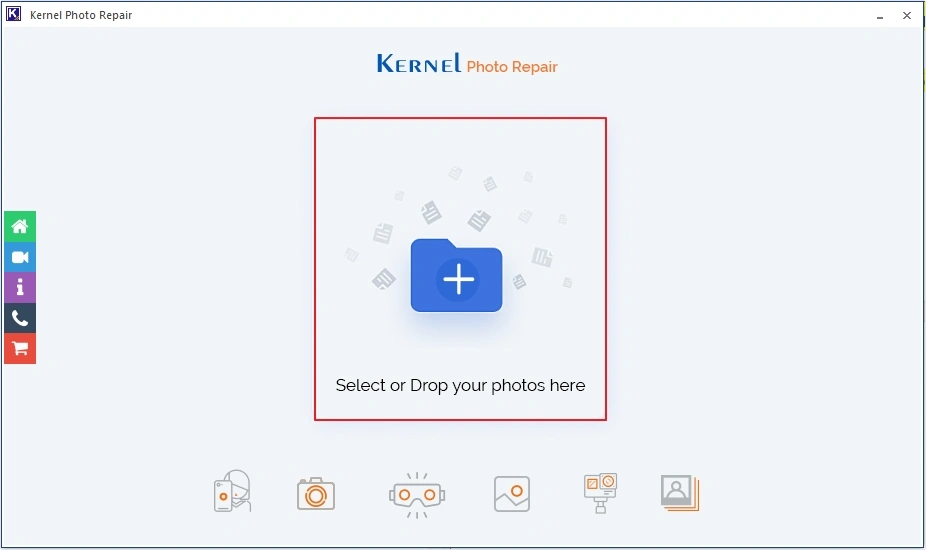
- Click on the Repair Files
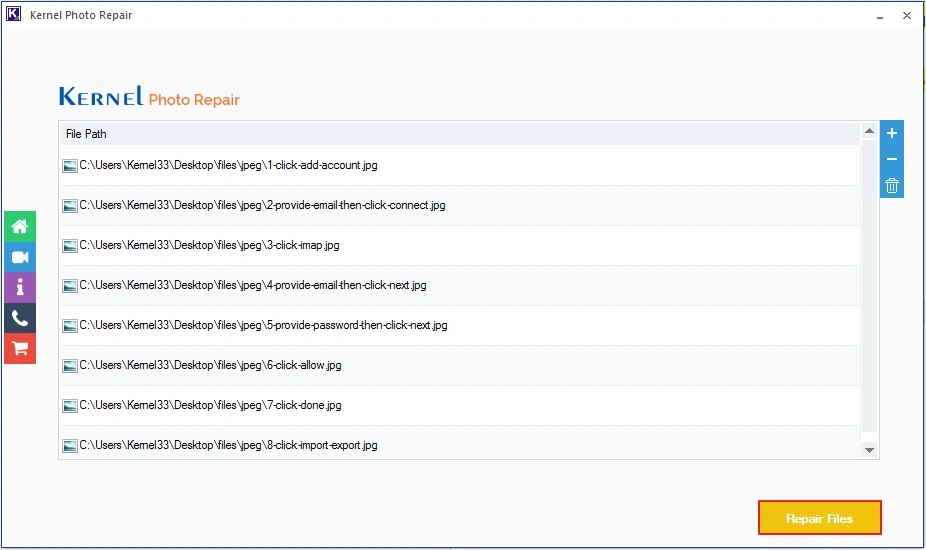
- Provide destination, then click OK to begin process.
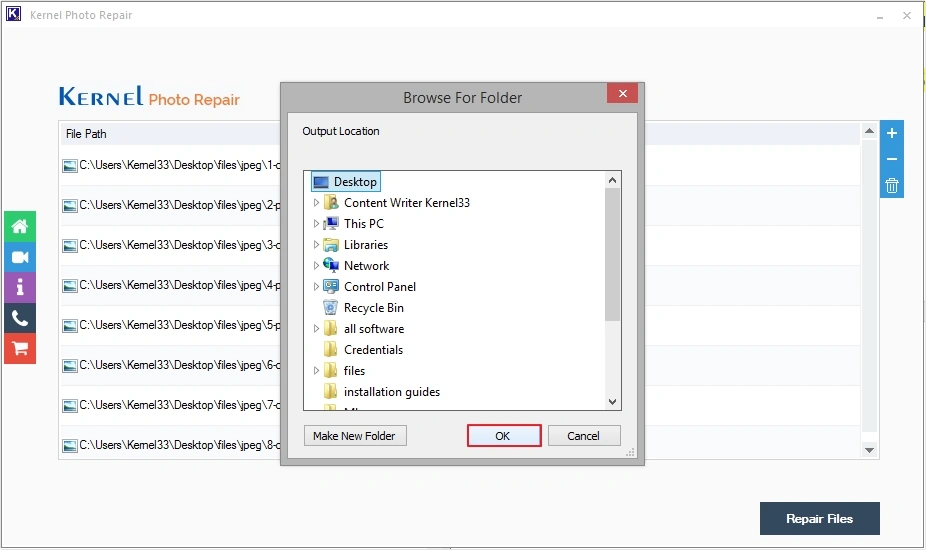
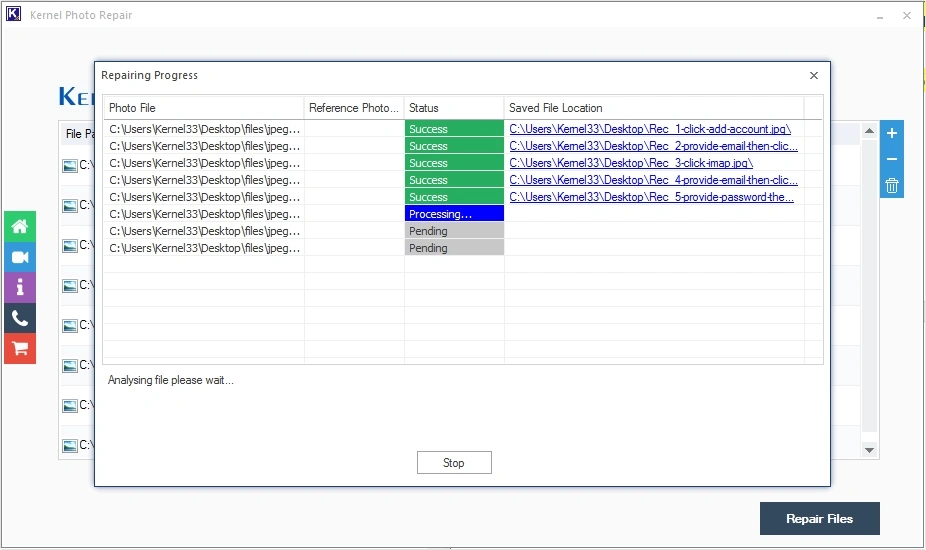
- The software will start to repair damaged JPEG files.
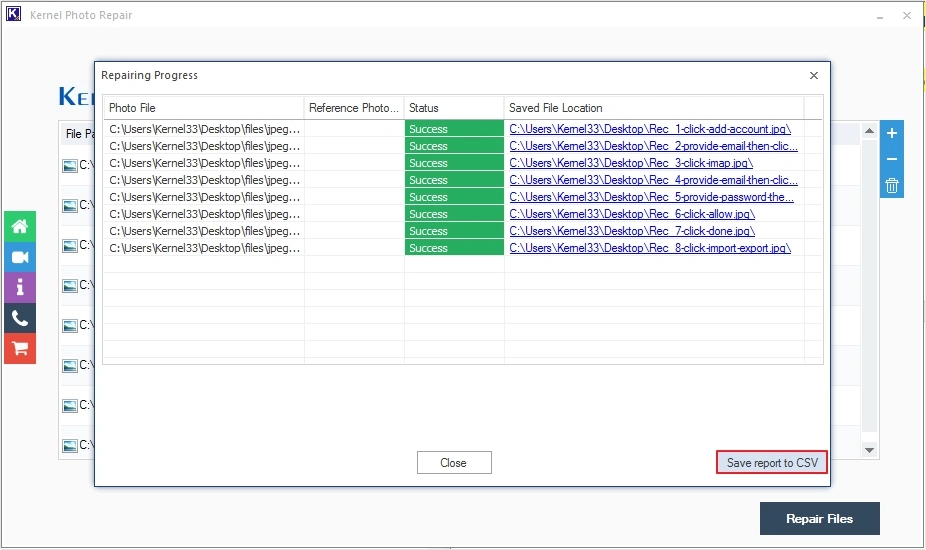
- Upon completion, you can click Save report to CSV to keep progress report.
Note: If you know the password to decrypt the JPEG photos, then proceed with the following methods.
Method 2. Repair Damaged JPEG Files Using Photo Editor
Photo editing software can help you fix grainy photos, color distortions, blurred images, etc. in photos. Open the JPEG file in the photo editor, enter the password to open the file, and use the editing features to fix the issues and repair damaged JPEG files. Various photo editing programs you can use are Adobe Photoshop, Adobe Lightroom, Corel Paintshop, Skylum, Canava, Stencil, PicMonkey, etc.
Method 3. Repair Using Online JPEG Repair Tools
Many online image repair tools can fix damaged headers that hinder the opening of photos and make photos inaccessible. All you have to do is open the program in your browser and upload the corrupted JPEG file for repair. Just keep following the instructions being displayed on the screen during the whole process, and you are good to go.
Conclusion
Repairing encrypted JPEG files always follows one rule, i.e., decrypt first, repair second. Moreover, without password, the recovery is impossible. So, in my opinion, using a professional software is the best way to repair damaged JPG files. With this tool, you can easily fix JPEG header corruption, and other JPEG related issues with ease.
Frequently Asked Questions
A. In most cases, you cannot repair encrypted JPEG without password.
A. To repair corrupted JPEG files you can run Windows CHKDSK command, convert to new format, or you can use a dedicated Photo Repair software.
A. Interrupted file saving, malware, viruses, bad sectors on storage, or system crashes can be the potential reasons behind causing corruption in JPEG photos.
A. With online tools, you are uploading your data to servers, leading to privacy breaches. Use offline tools only.
A. When talking about the best repairing tool, Kernel Photo Repair comes in handy. It’s a reliable and efficient tool to repair all types of corruption from wide range of file formats.
A. If your photos and images fail to open after recovery, then you can consider using Kernel Photo Repair tool.