Kernel for Exchange Server Review - We were really impressed with how efficient this EDB file recovery tool is in restoring and recovering deleted items, emails, attachments. Read more

A good range of filtering functionality is included and the functionality is easy to find through an intuitive interface. Read more
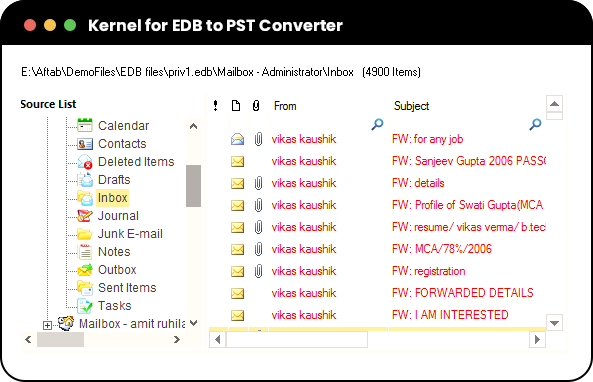
Kernel for EDB to PST Converter tool packs numerous features that repair the corrupt database file and recover emails, contacts, notes, calendar, and other items completely.

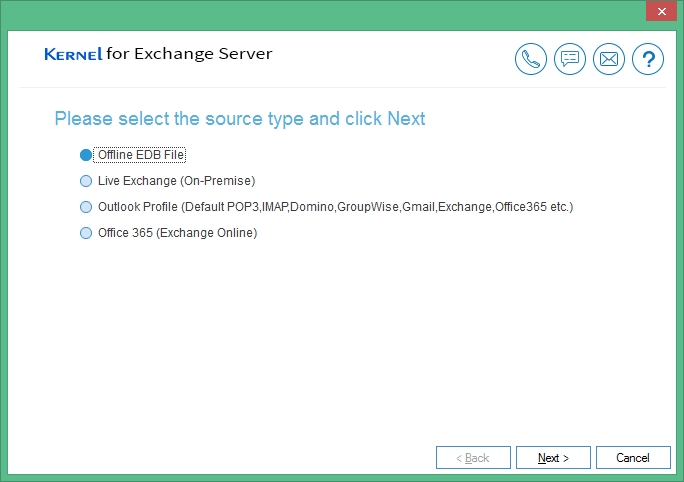
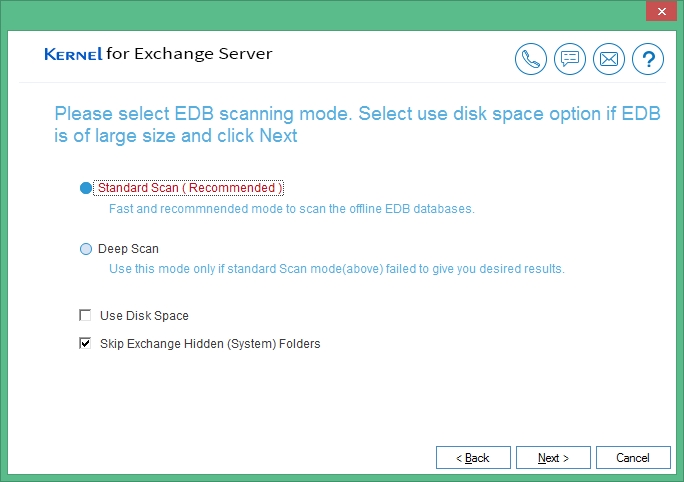
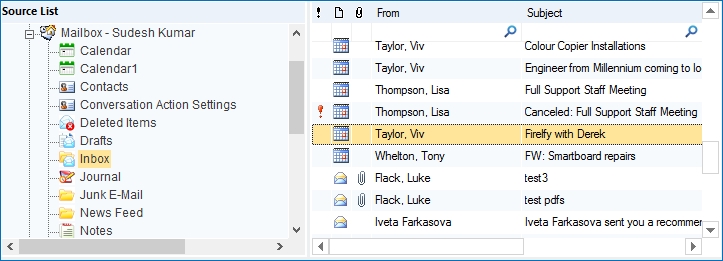
Convert Exchange EDB to PST You can scan a single offline EDB file to remove any type of corruption or error. The tool can scan and recover primary mailboxes, archive mailboxes and public folders. After completing the repair job, you can export the mailbox contents to PST format.
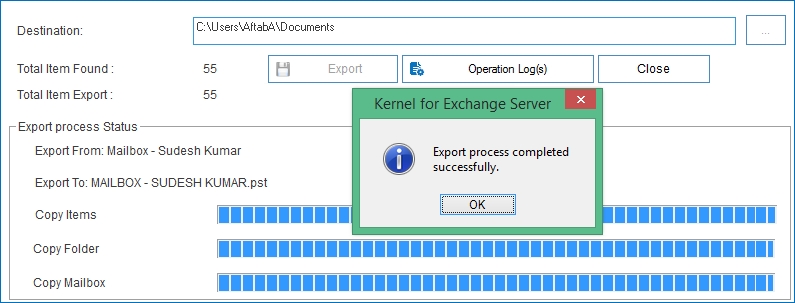
Simplest conversion options To export the data, users can right-click on the source EDB mailbox or its folder and select options such as Copy, Export to PST, Copy Folder, Extract Attachments, and more. You can also perform these actions by specifying a destination and copying the desired data to the destination mailbox or folder.
Additional saving formats The tool offers various destination choices to suit user needs, including Live Exchange (On-Premises), Live Exchange via Outlook Profile, and Microsoft 365. It also supports saving EDB emails in EML, MSG, RTF, HTML, and TXT formats, in addition to PST.
Information operational logs The tool includes an operation log for a comprehensive overview of export and recovery processes. It provides insights into items exported directly, items exported via search, folder count, single and multiple mailbox exports, ensuring precise details of the recovery procedure.
Export large-sized EDB files Converting large EDB files to PST is effortless with this tool. It ensures data safety by saving each mailbox in a separate PST file. For exceptionally large mailboxes, you can utilize the tool's PST split option to save them in multiple PST files.
Streamlined EDB file conversion Designed with a flexible and user-friendly interface, this software streamlines EDB data recovery and PST file export in just a few steps. No log files are needed for mailbox recovery, and methods like copy-and-paste, drag-and-drop, and PST export make the conversion effortless.
*Download trial version and Save 25 items per folder free.
Repeat the same process for batch PST files with administrator privileges.
This message comes up when either Outlook is not installed on the system or if Outlook is installed, then it is not configured properly.
If Outlook in not present, install Outlook on the system where software is running.
If Outlook is present, then make a new POP profile in Outlook (it can be a dummy non working one). Uninstall and reinstall the software and then try again and it´ll resolve your issue.
MS Exchange Server: 2019, 2016, 2013, 2010, 2007, 2003, 2000, 5.5 and 5.0
Virtual Environments: - VMware® Server 1.0x, 2.x, VMware® Workstation v6.0x for Windows, Microsoft® Virtual PC 2007, VMware® ESX 4.0, ESXi
Windows 365, 11, 10, 8.1, and older versions Windows Server 2022, 2019, 2016, 2012, 2008 R2, 2008, 2003 R2, 2003 OS