Kernel for Attachment Management
 (4.9/5) 539 Reviews
An automated tool for reliable integrity attachment management
2M+ Downloads
Extract and safeguard email attachments from Outlook PST files with this tool. It offers “Recover Attachment” options to recover from each attachment file to meet specific preferences and ensure a personalized and secure backup.
Download trial version and preview all extracted attachment before saving. it supports Outlook 32-bit all versions.- Intelligently programmed to recover email attachments
- Efficiently compresses large size PST files to save storage space
- Effective user-friendly interface and easy to use features
190+ COUNTRIES WORLDWIDE
20 YEARS' EXPERIENCE
24x7 CUSTOMER SUPPORT
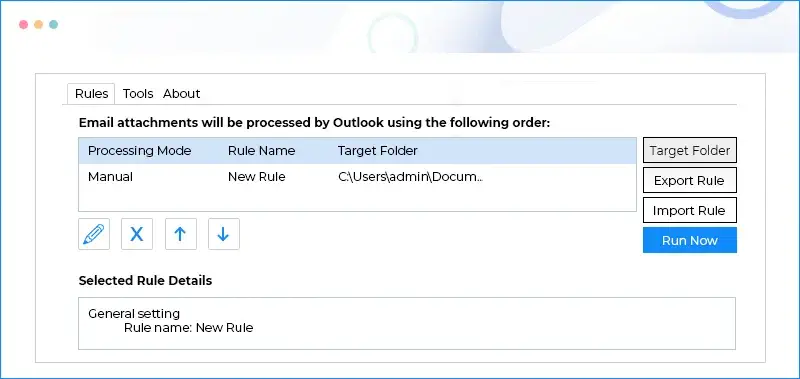
What's new in Kernel for Attachment Management



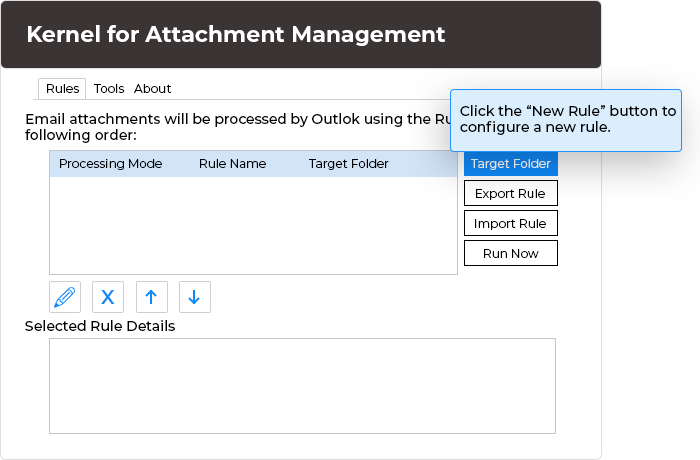
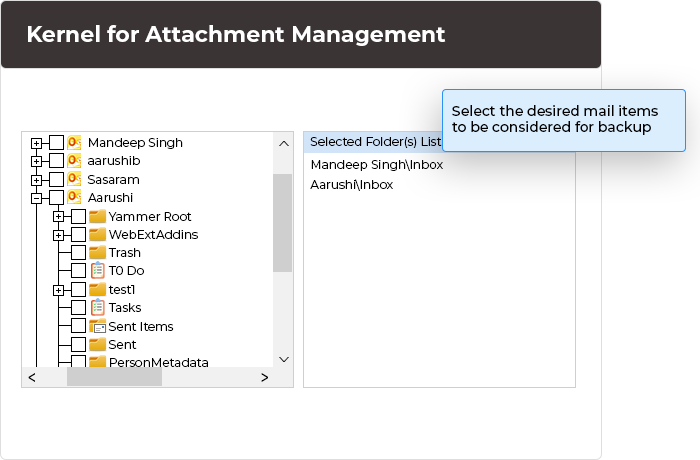
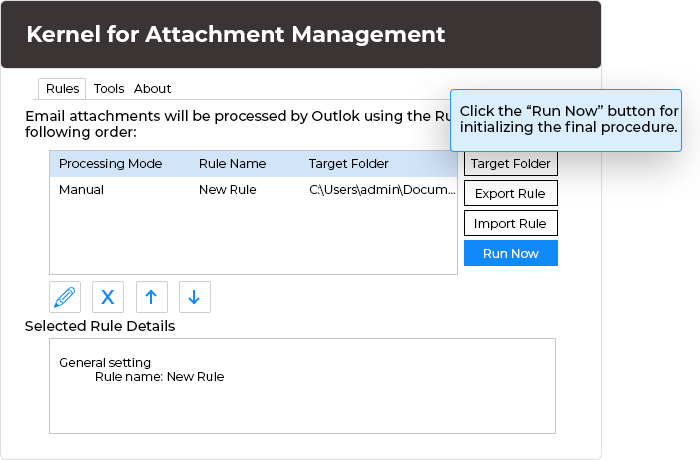





 Installation Guide
 (4.9/5) 539 Reviews